

 80mm Receipt Printer
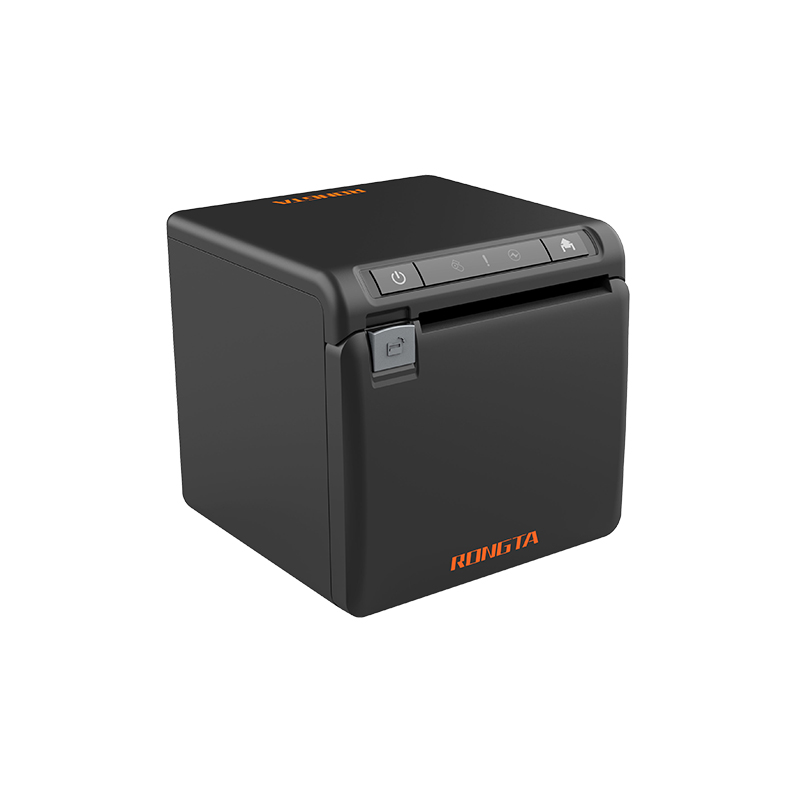 ACE H2 Receipt Printer
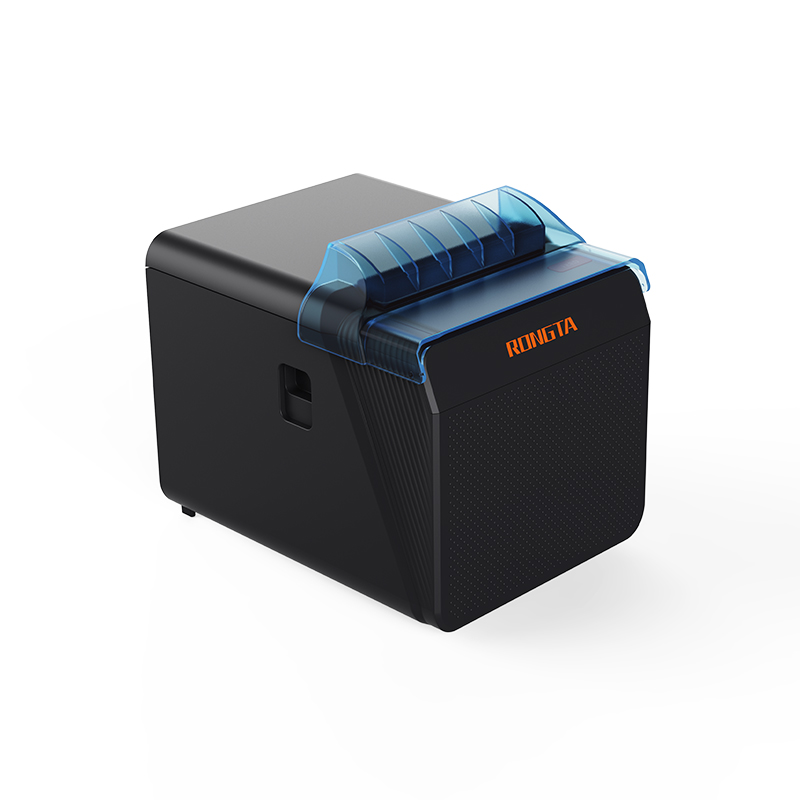 RP337 Receipt Printer
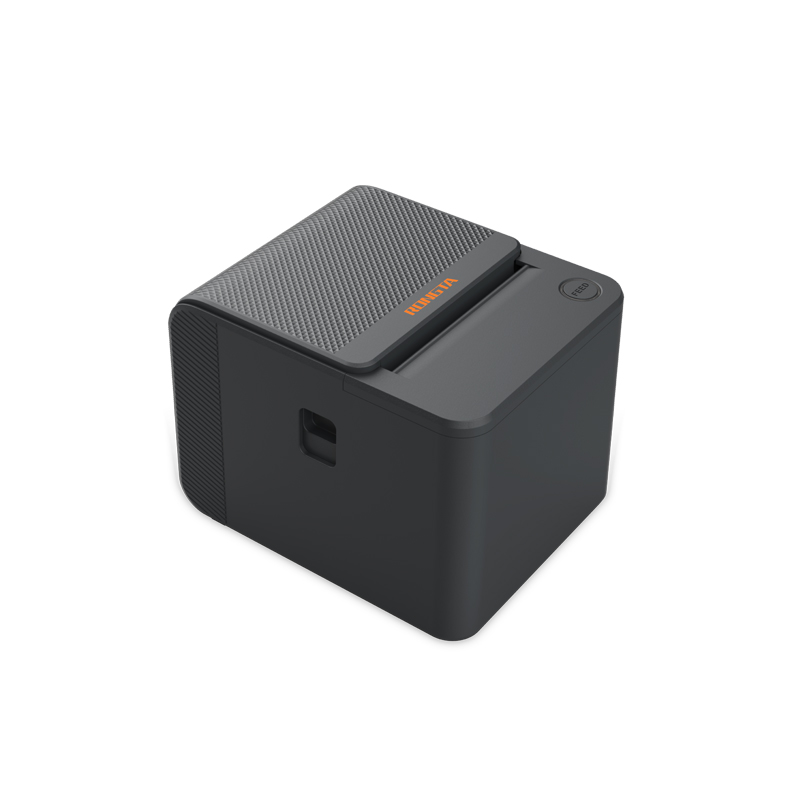 RP336S Dual-Color Receipt Printer
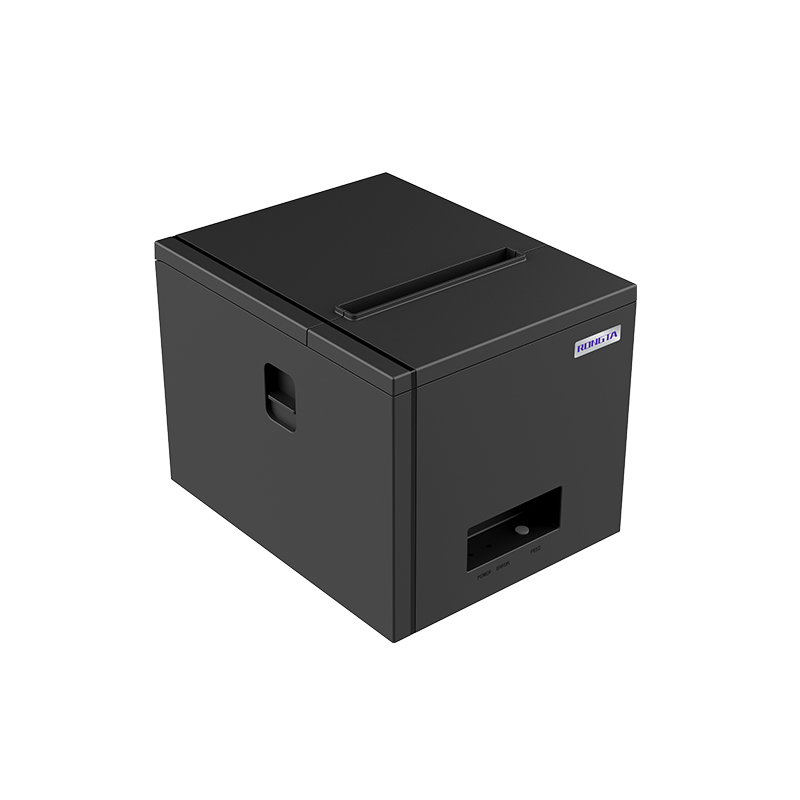 RP350 Receipt Printer
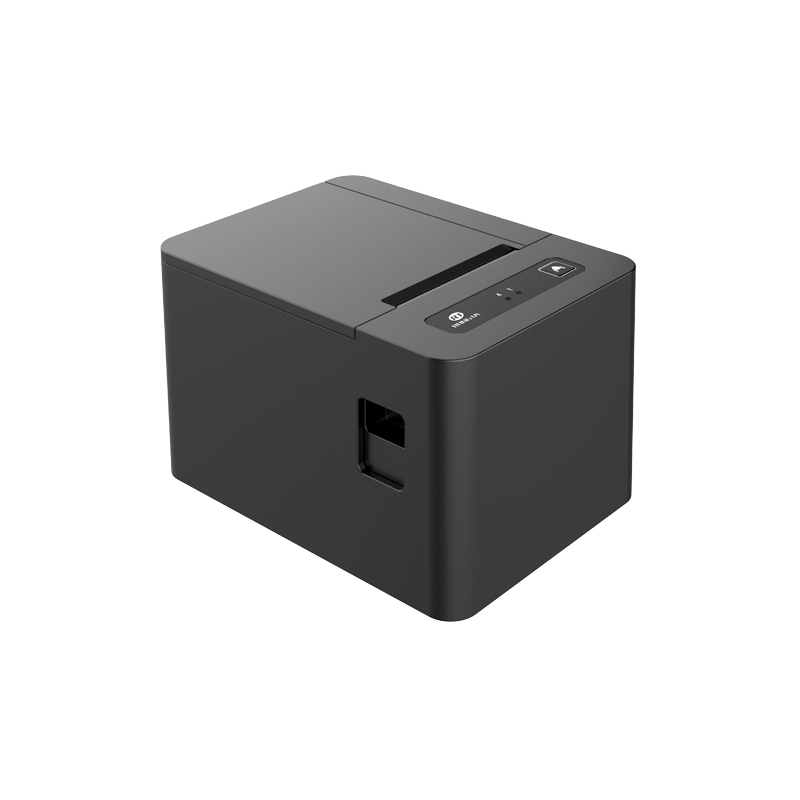 RP582 Receipt Printer
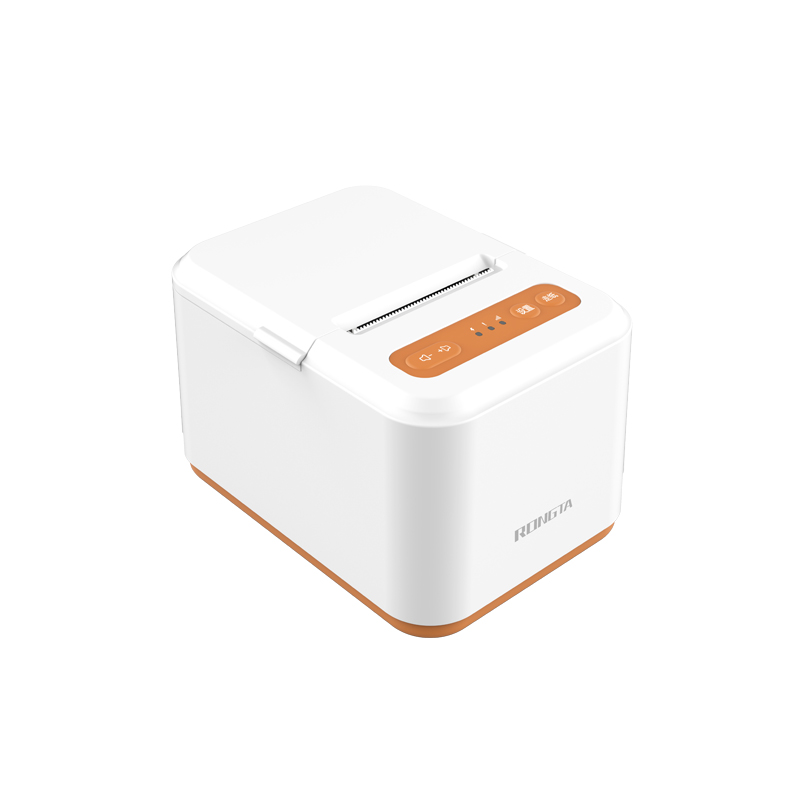 RP581 Receipt Printer
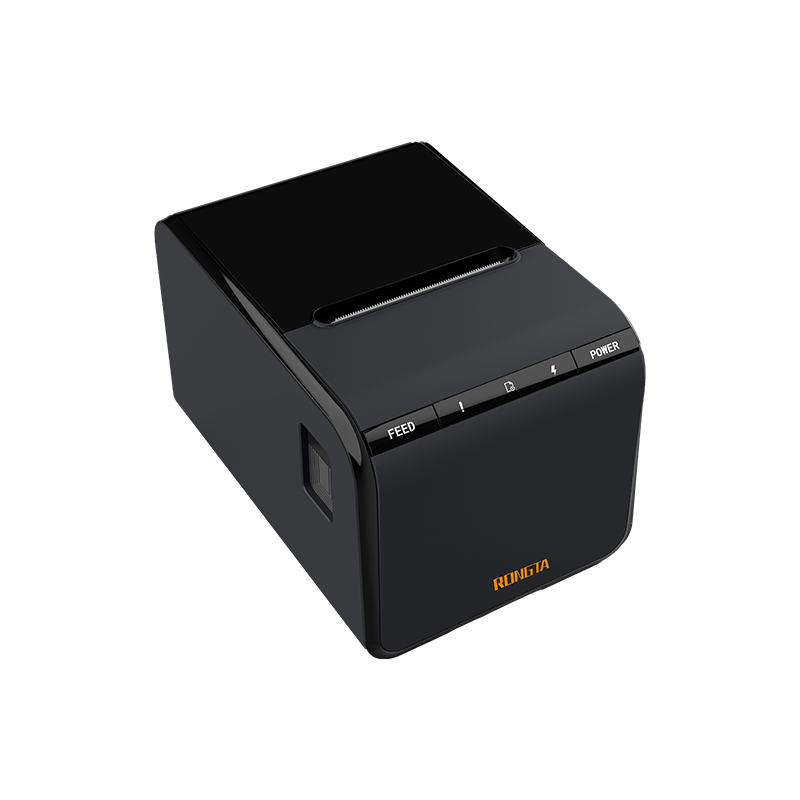 ACE G1Y Receipt Printer
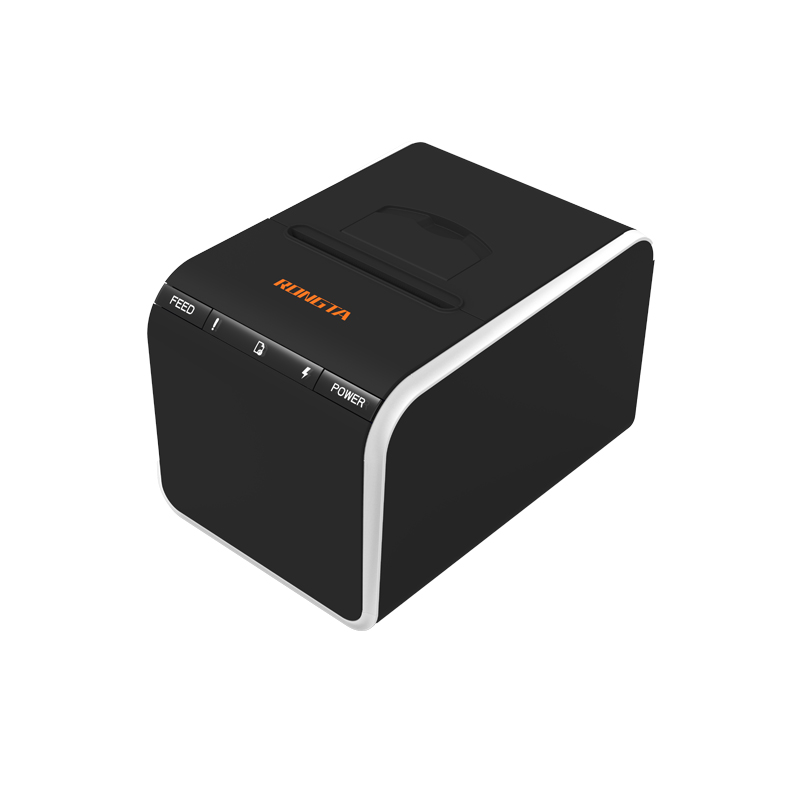 ACE G1YP Cloud Printer
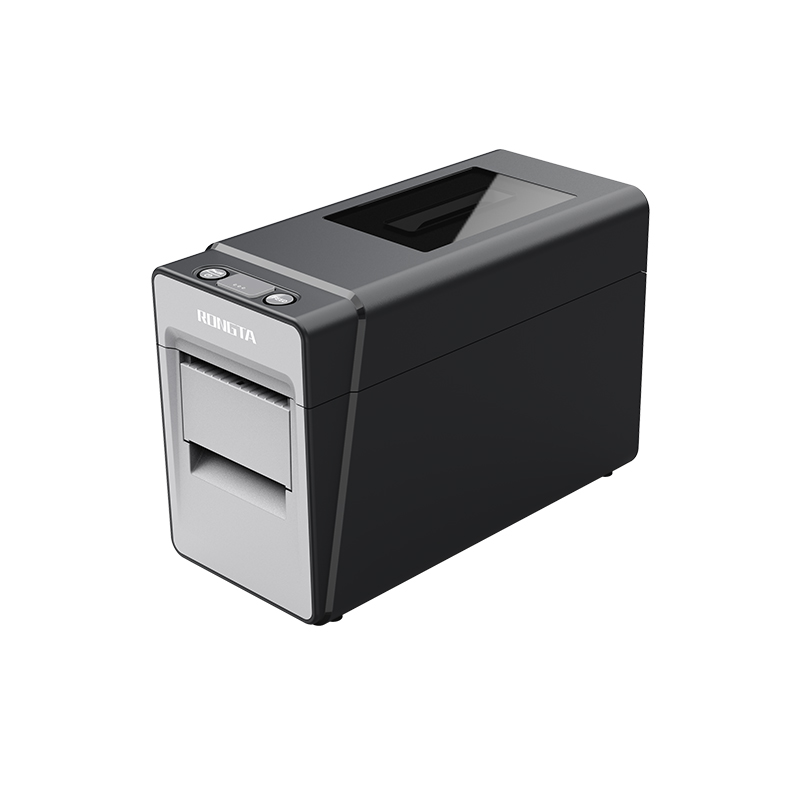 RP216 2'' Dual-color High-definition Label Printer
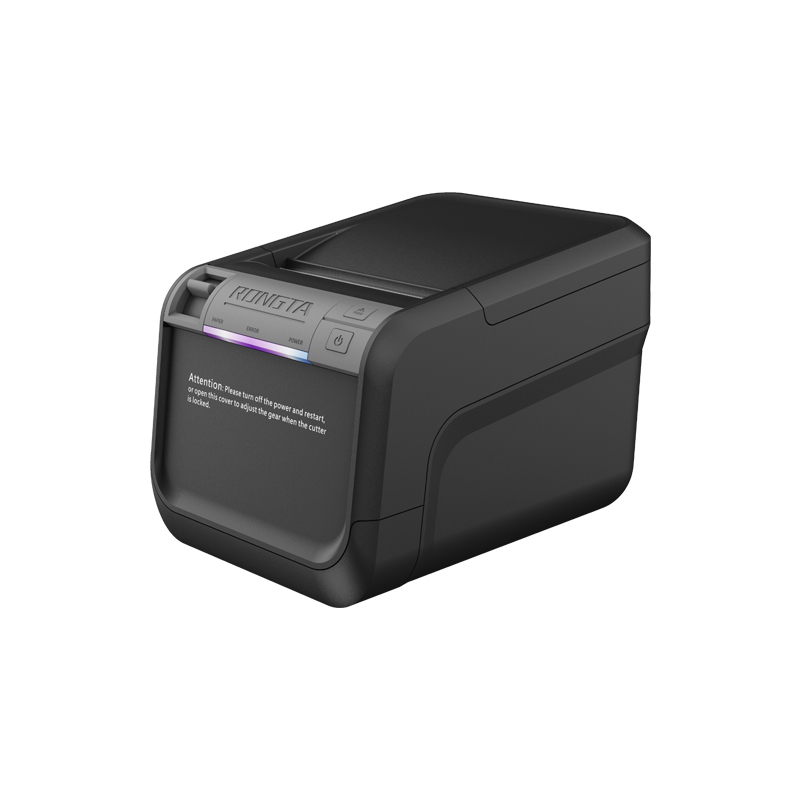 ACE V1S 3'' Backless Label Printer
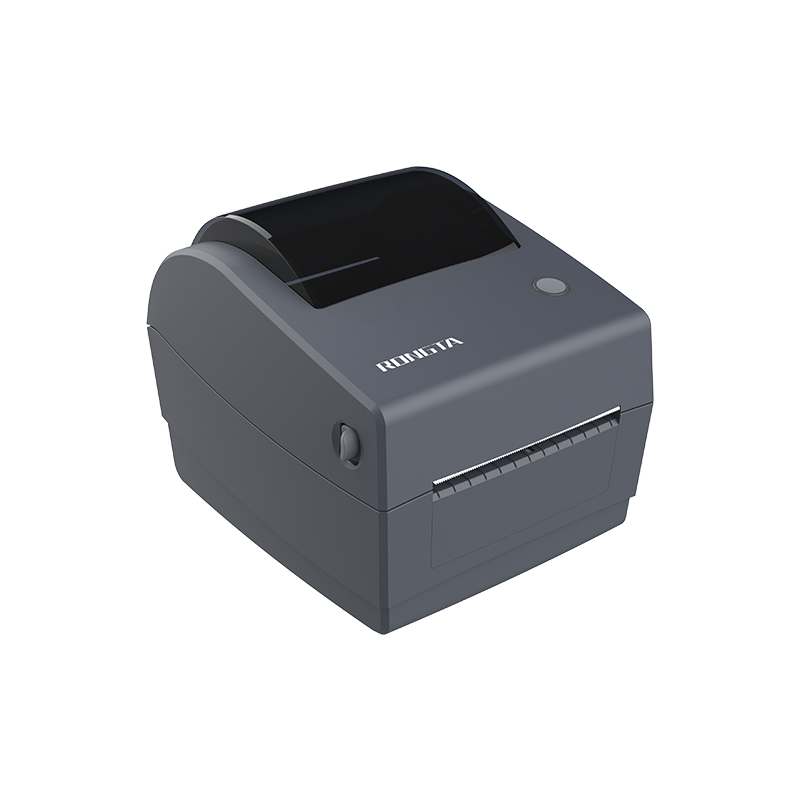 RP310D 3'' Dual-color Label Printer
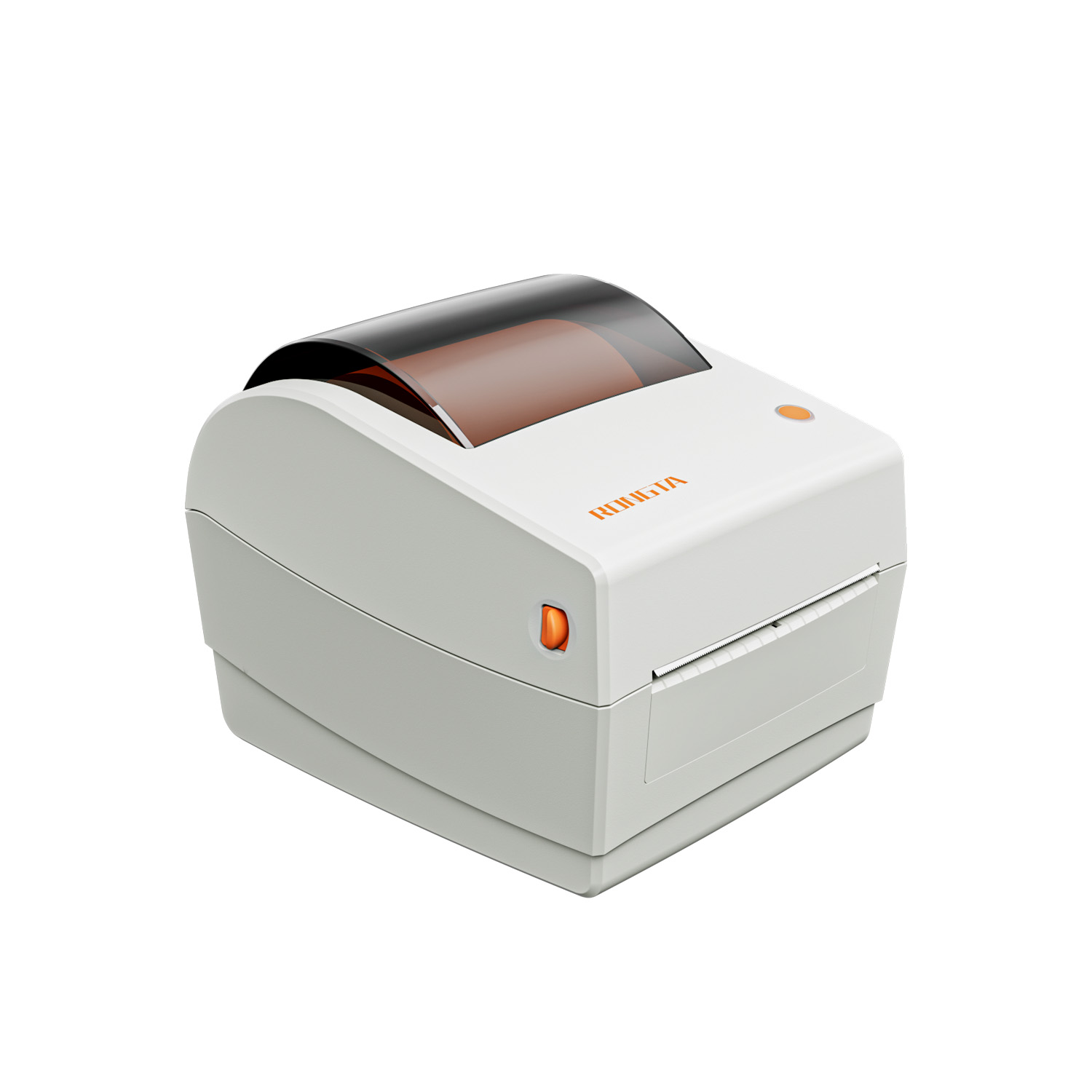 RP410N 4'' Thermal Label Printer
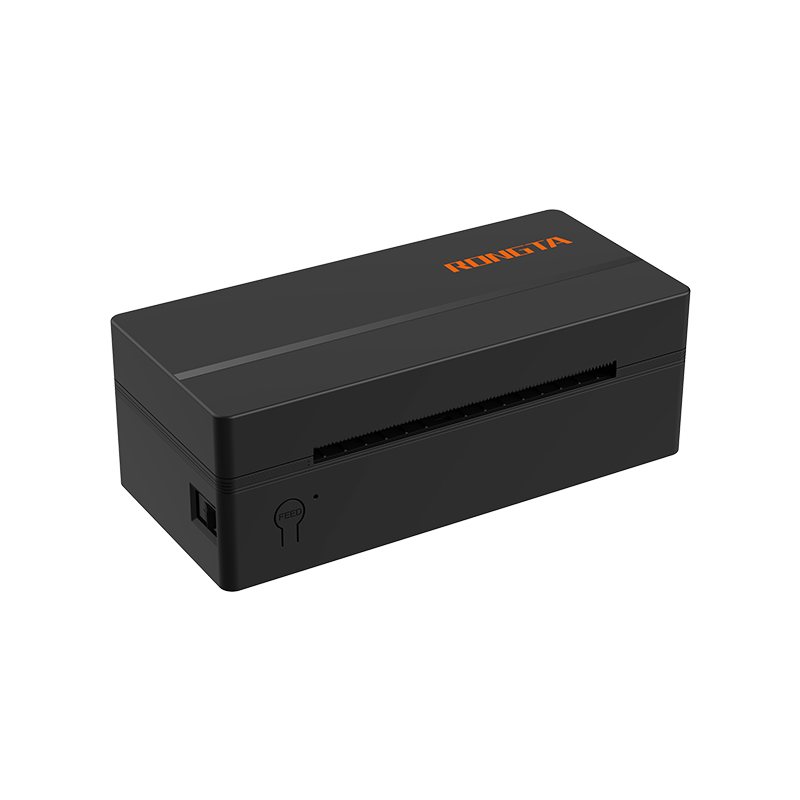 RP425 4'' Electronic Waybill Printer
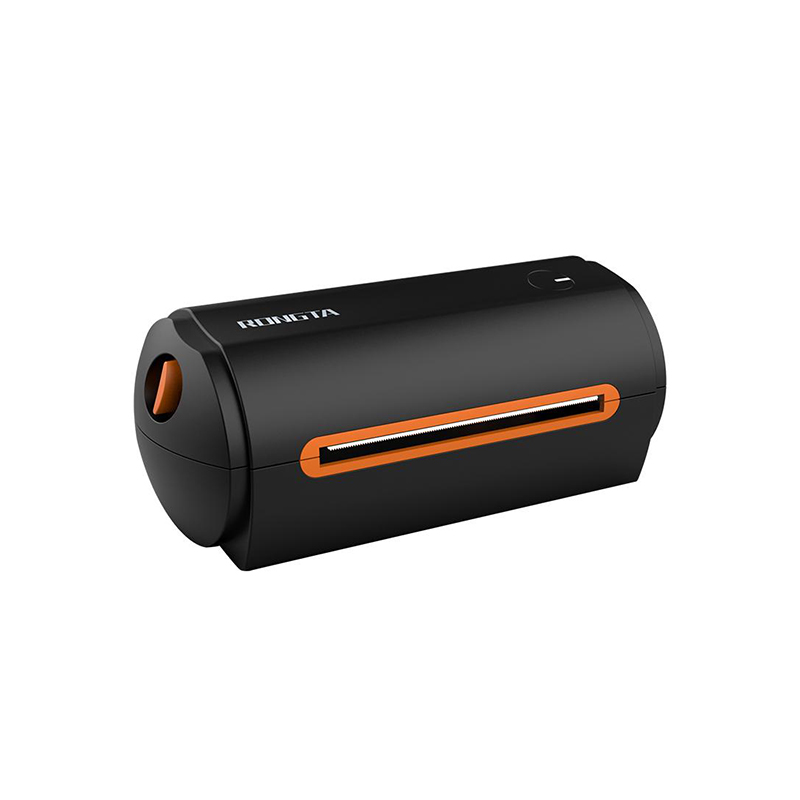 RP422 4'' Electronic Waybill Printer
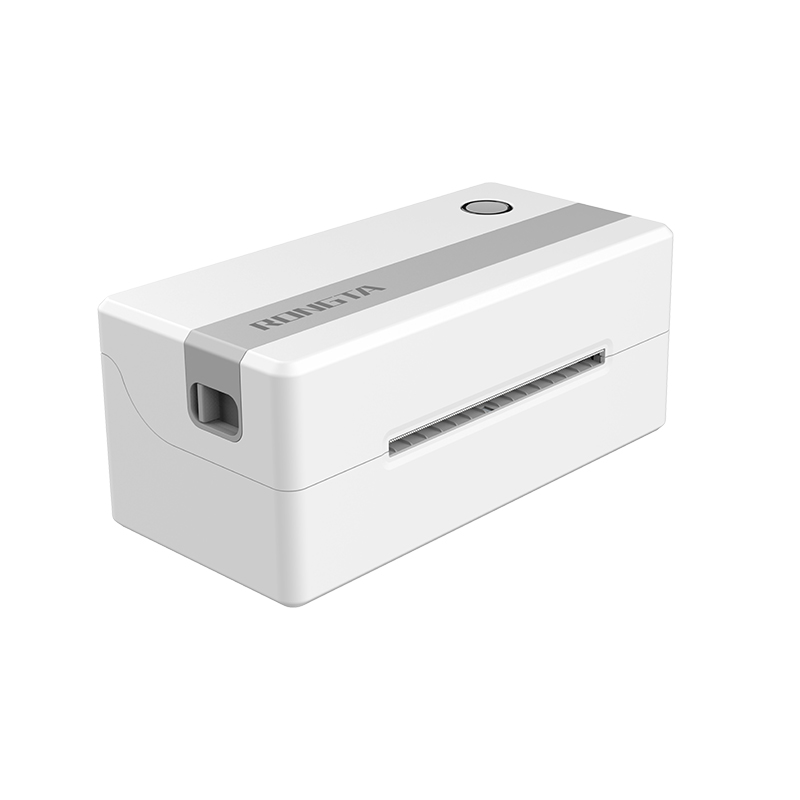 RP421A 4'' Electronic Waybill Printer
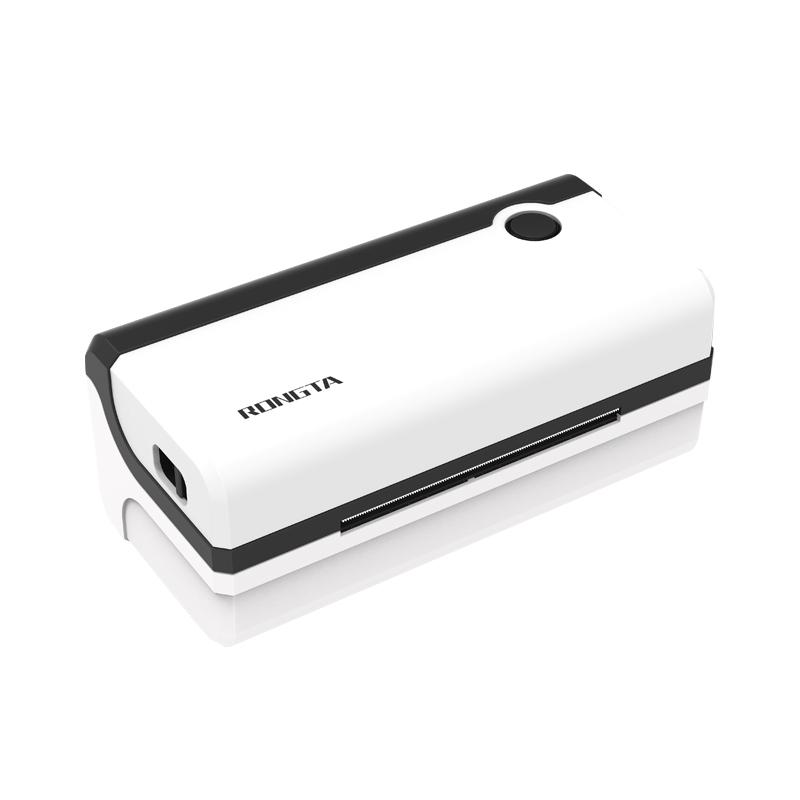 RP420 4'' Electronic Waybill Printer
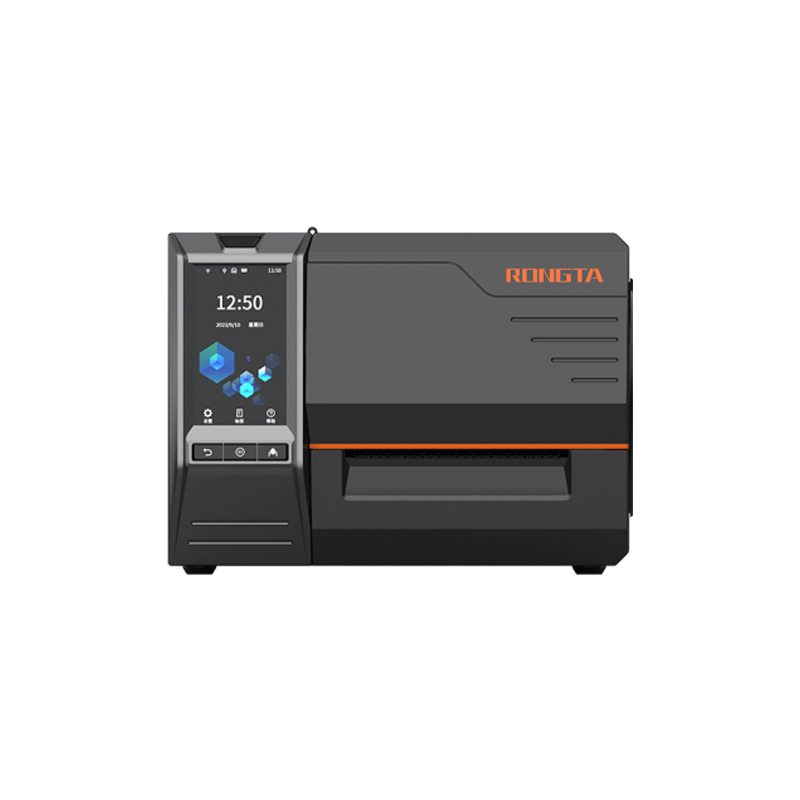 RI463 Series Barcode Printers
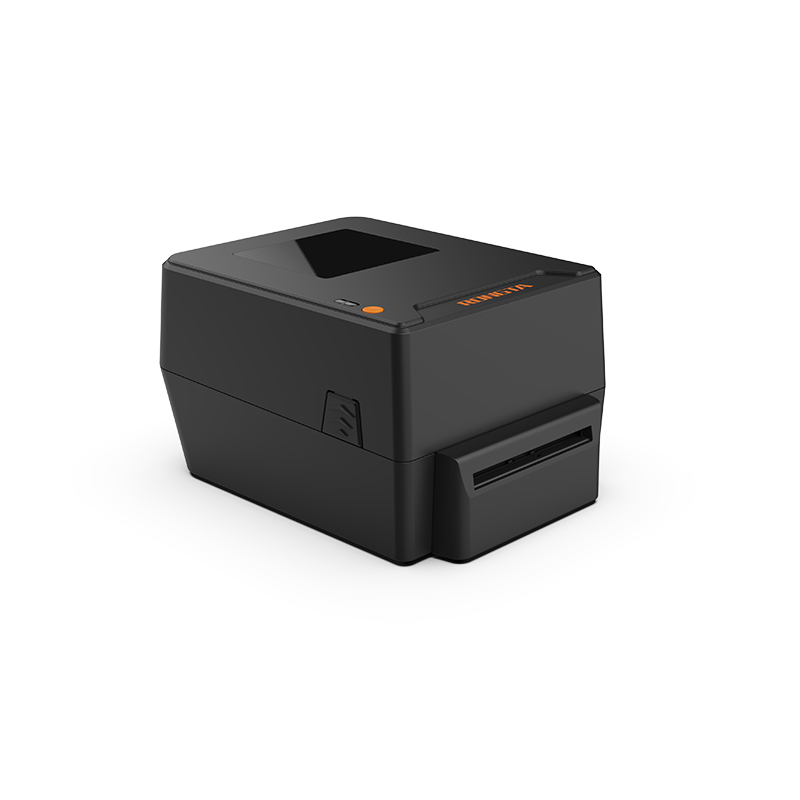 RP400A 4'' Thermal Transfer Tape Cutter Printer
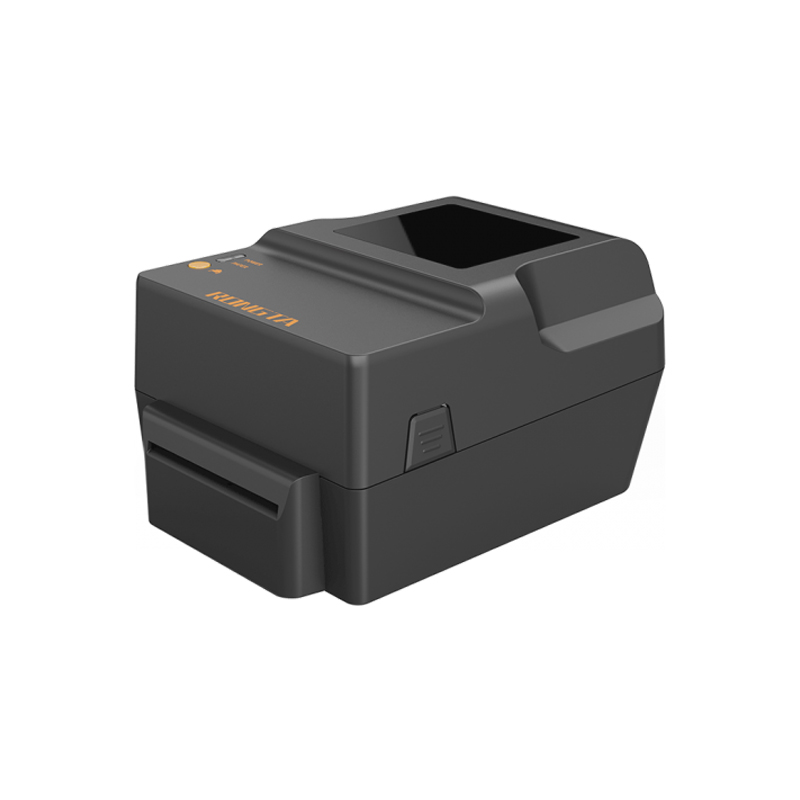 RP400H 4'' Thermal Transfer Tape Cutter Printer
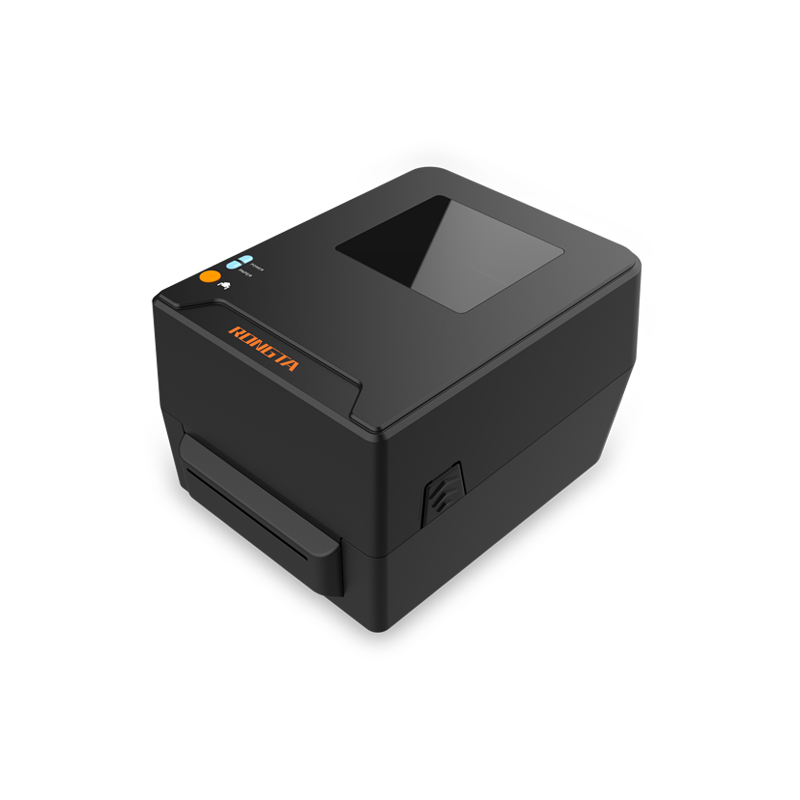 RPF413 300dpi RFID barcode label printer
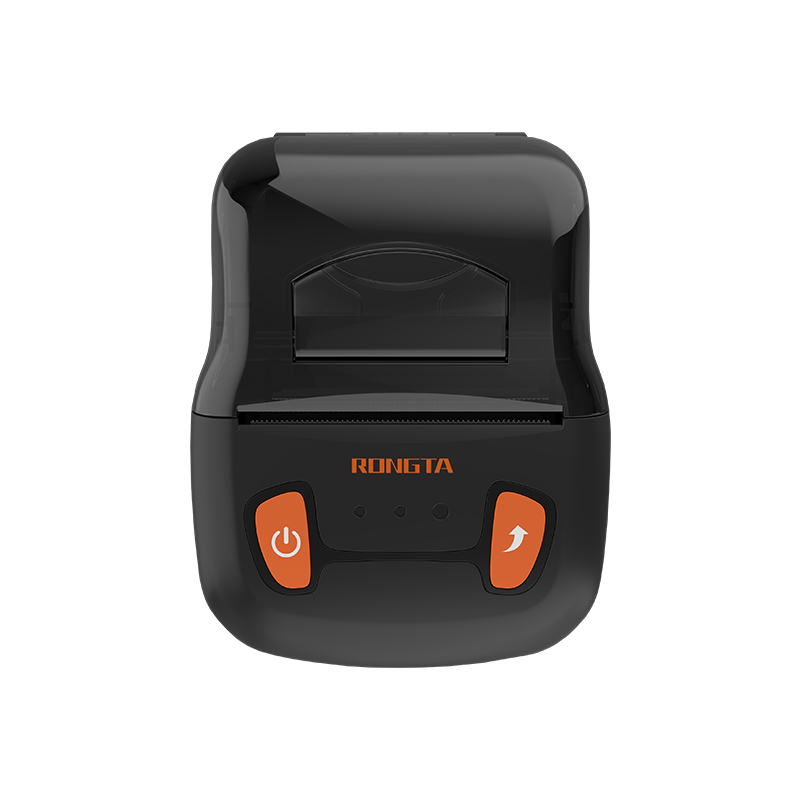 RPP02A Portable Receipt Printer
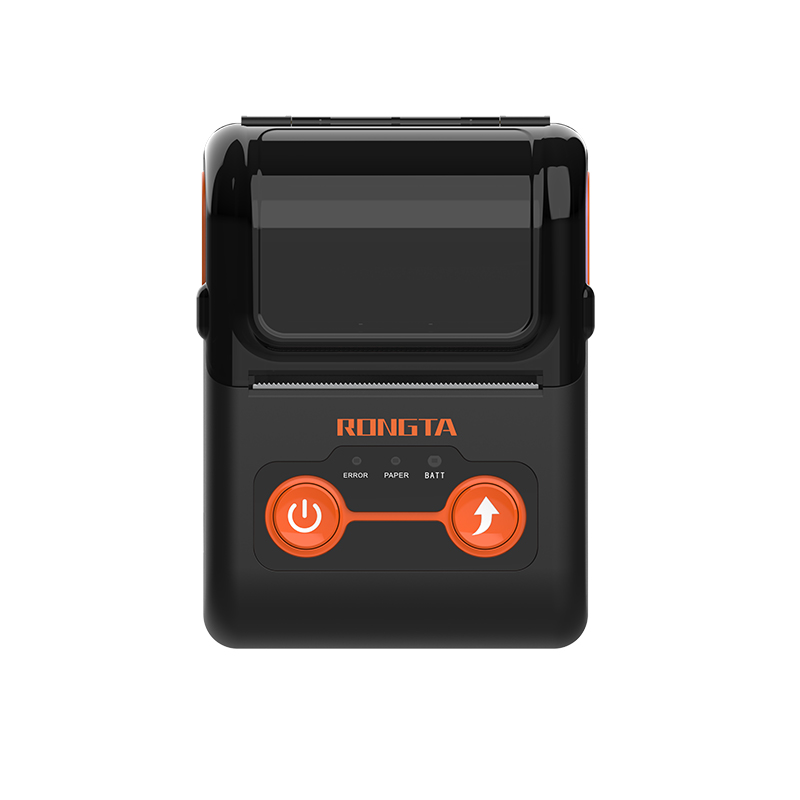 RPP02B Thermal Portable Printer
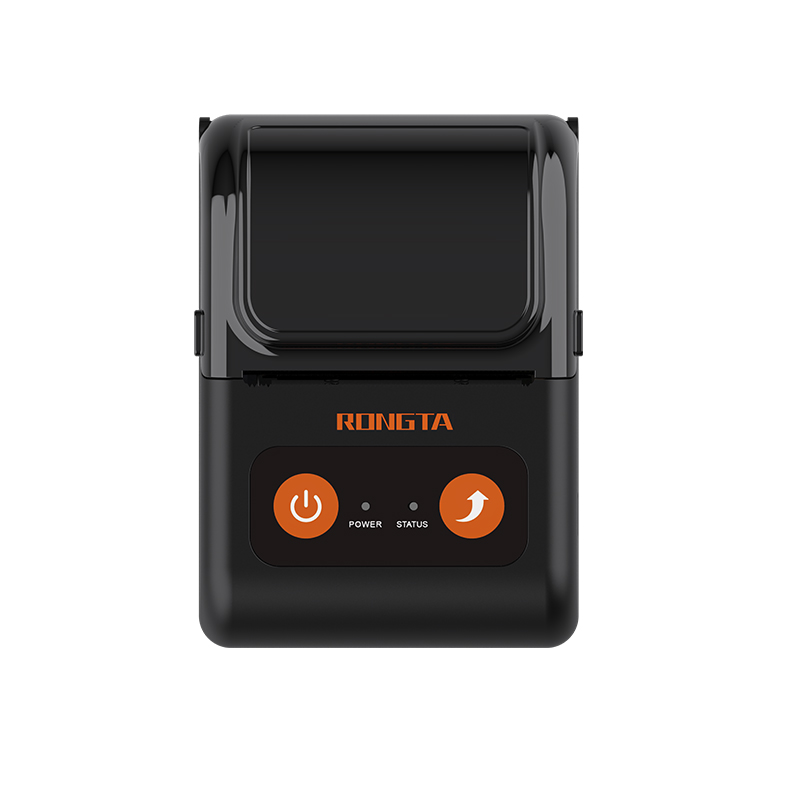 RPP02C Portable Receipt Printer
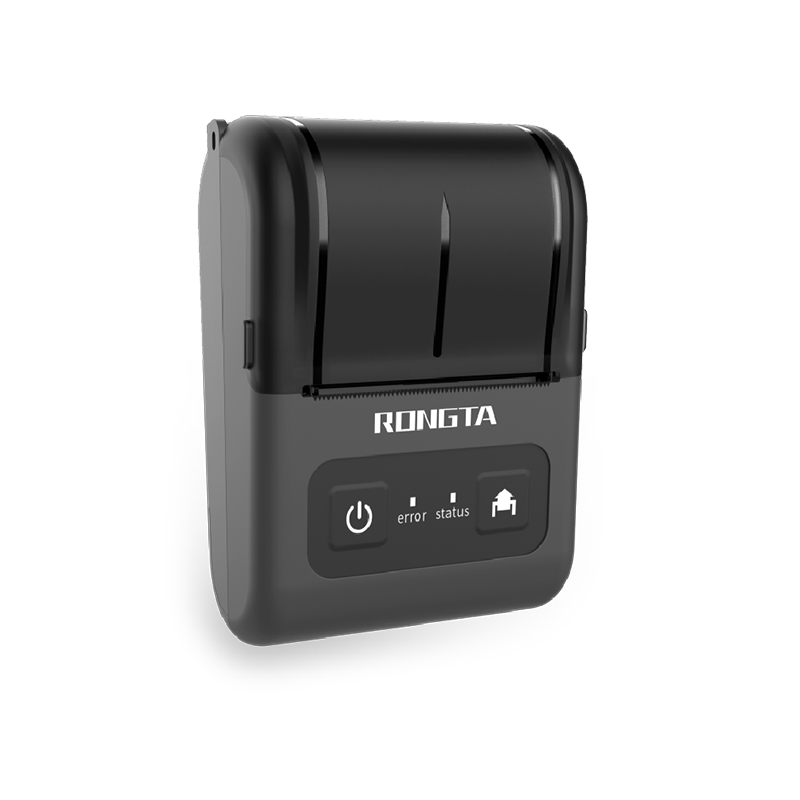 RPP02D Thermal Portable Printer
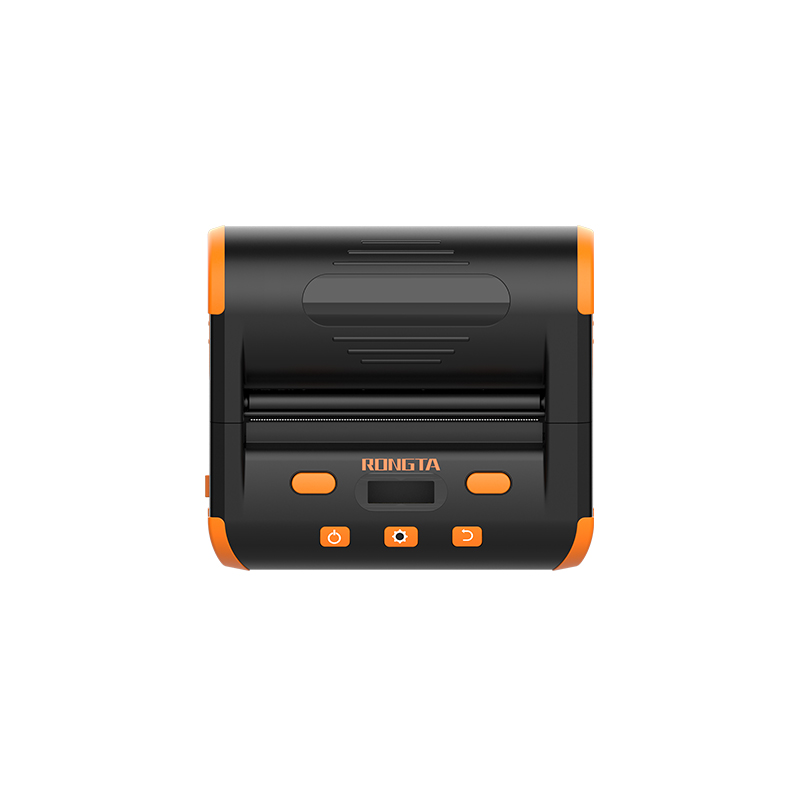 RPP04 4" Portable Label Printer
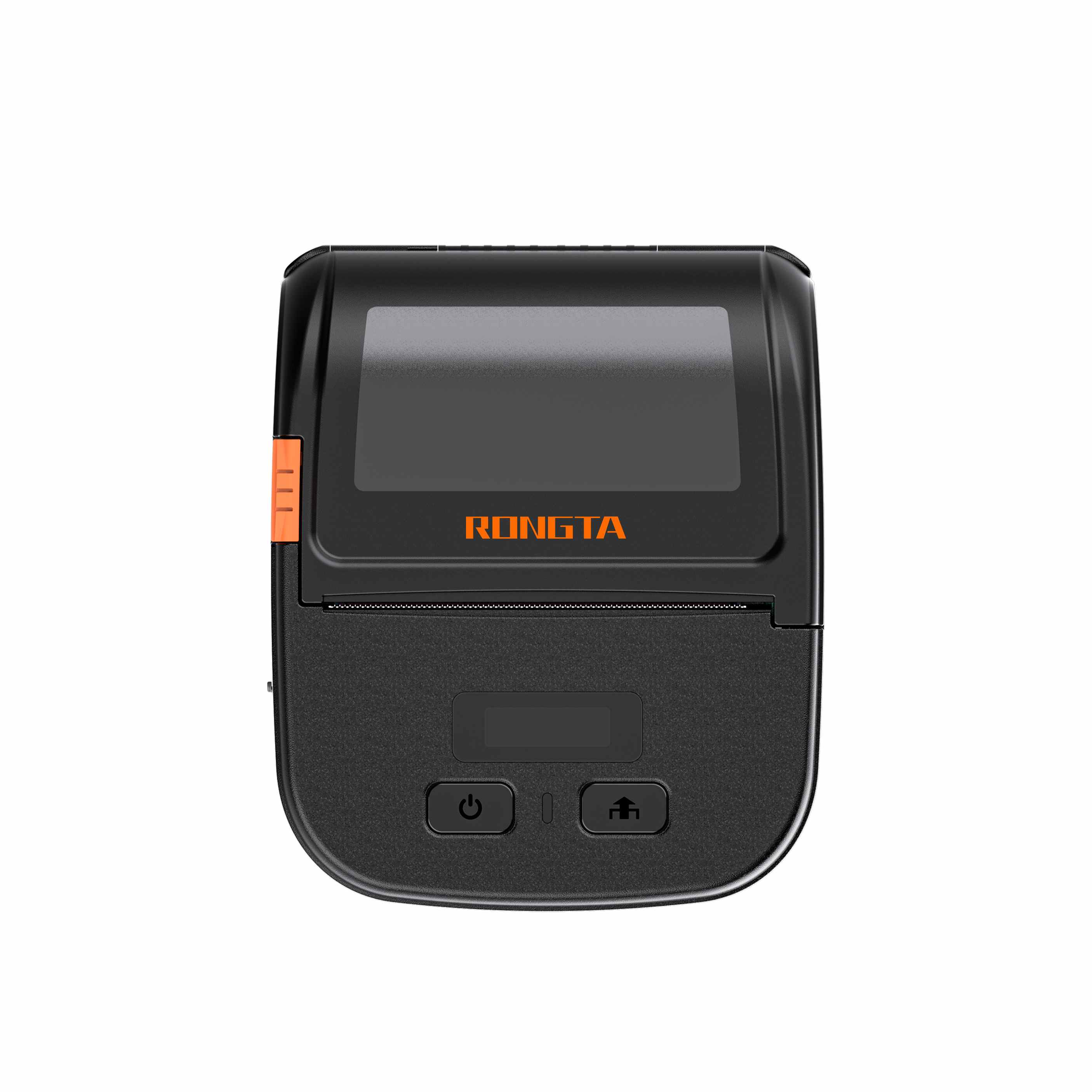 RPP30 3" Portable Label Printer
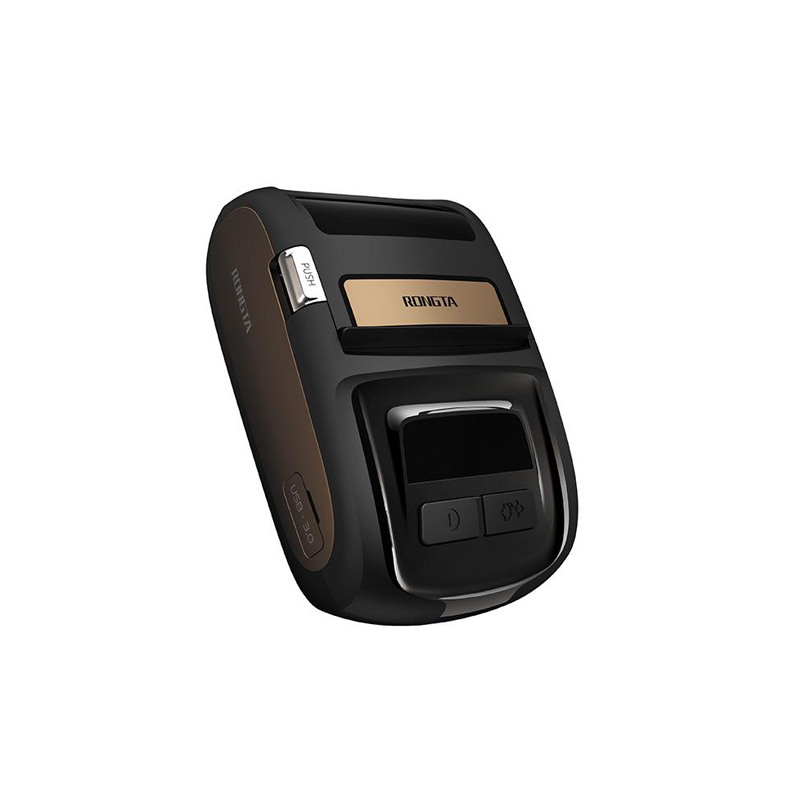 ACE M1 2" Portable Label Printer
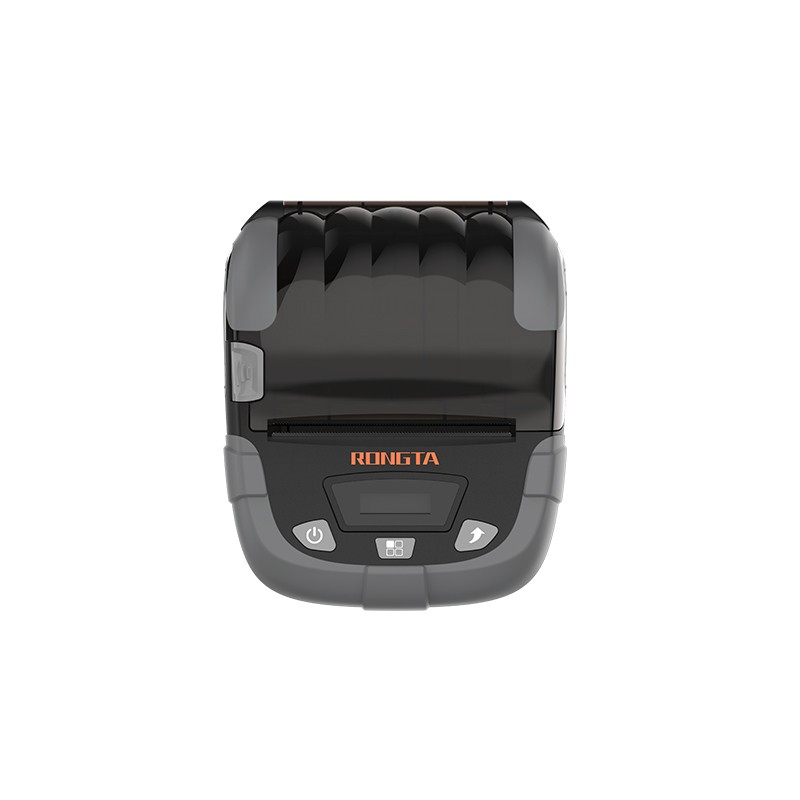 RPP320N 3" Portable Label Printer
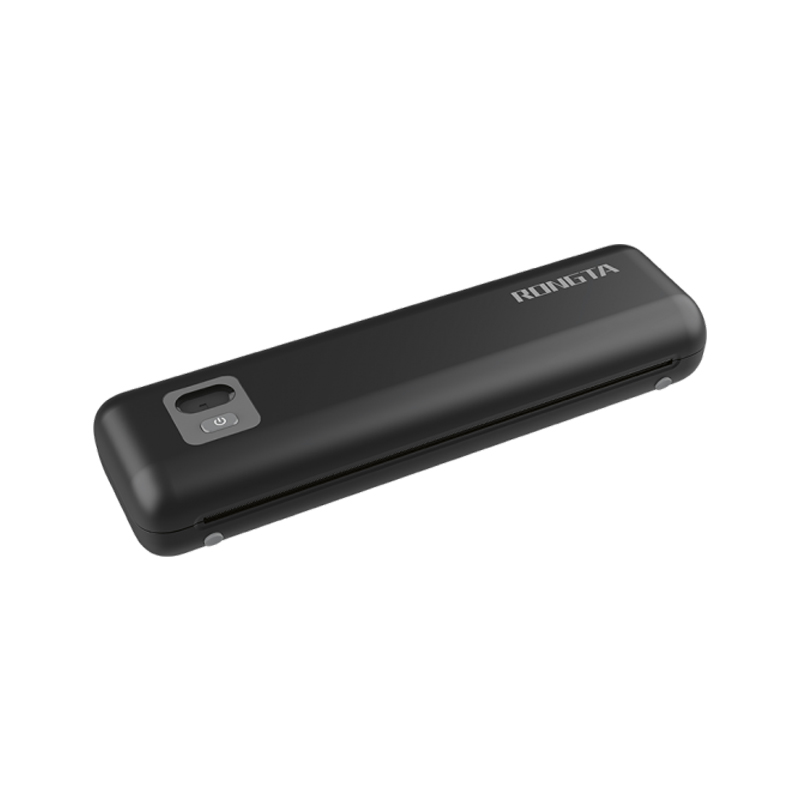 F82A A4 Front-Out Paper Tray Thermal Printer
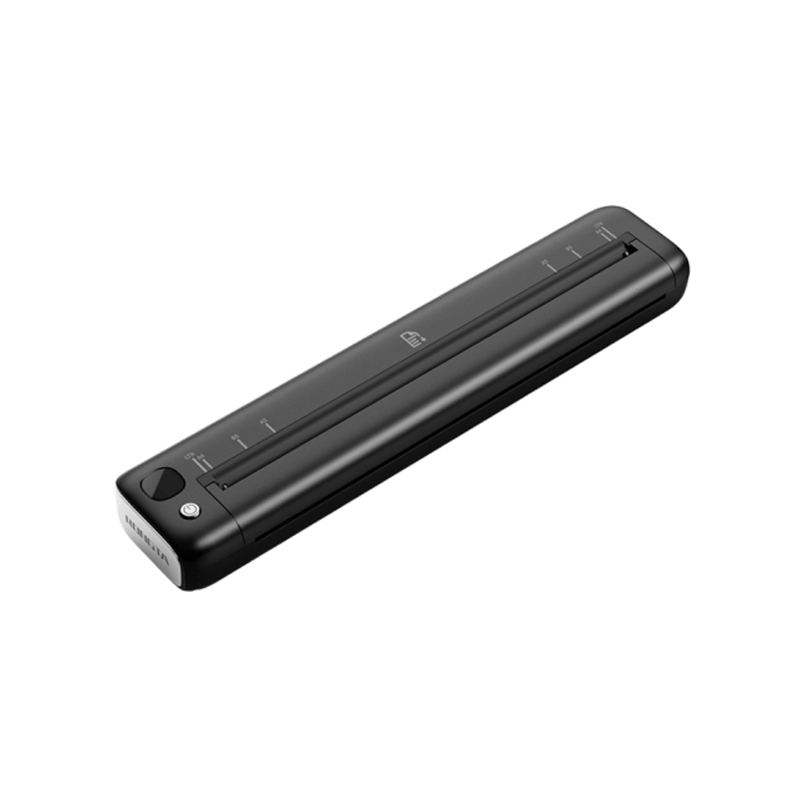 F81A Portable A4 Thermal Printer
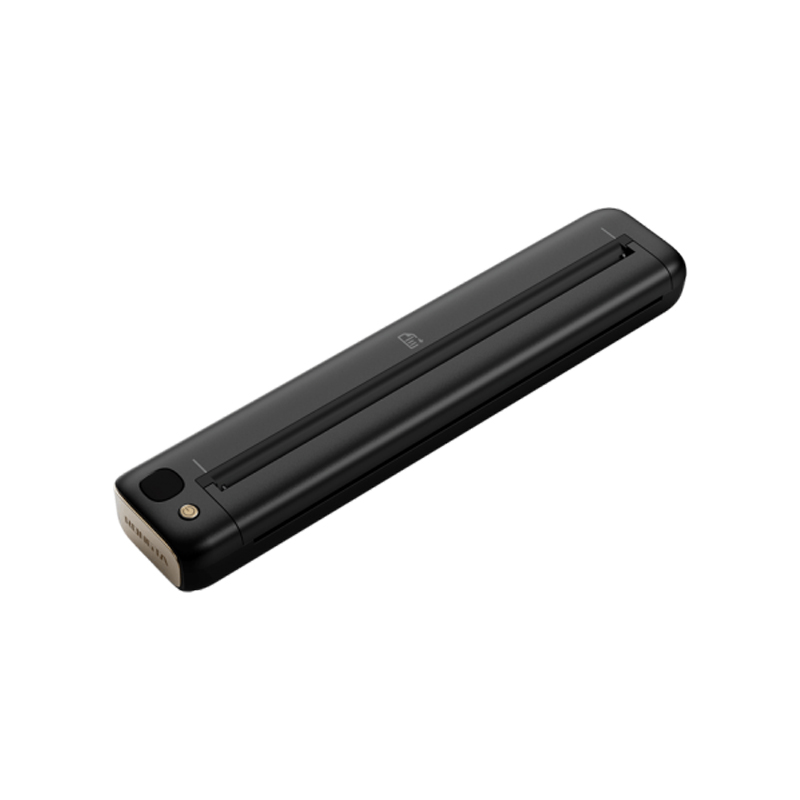 F81S Portable A4 Tattoo Printer
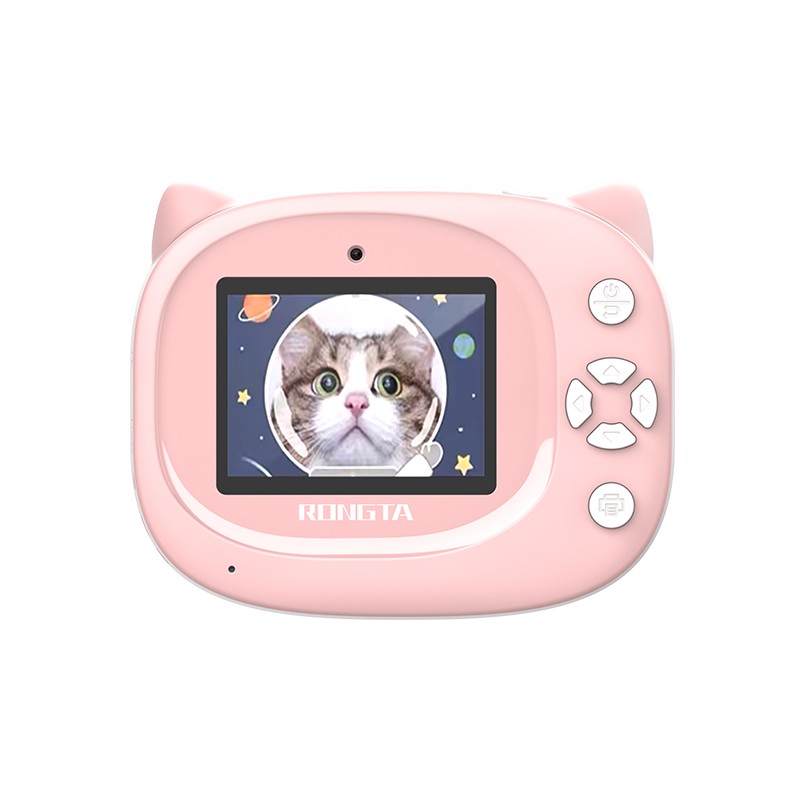 Z1 Children's Educational Photo Printer
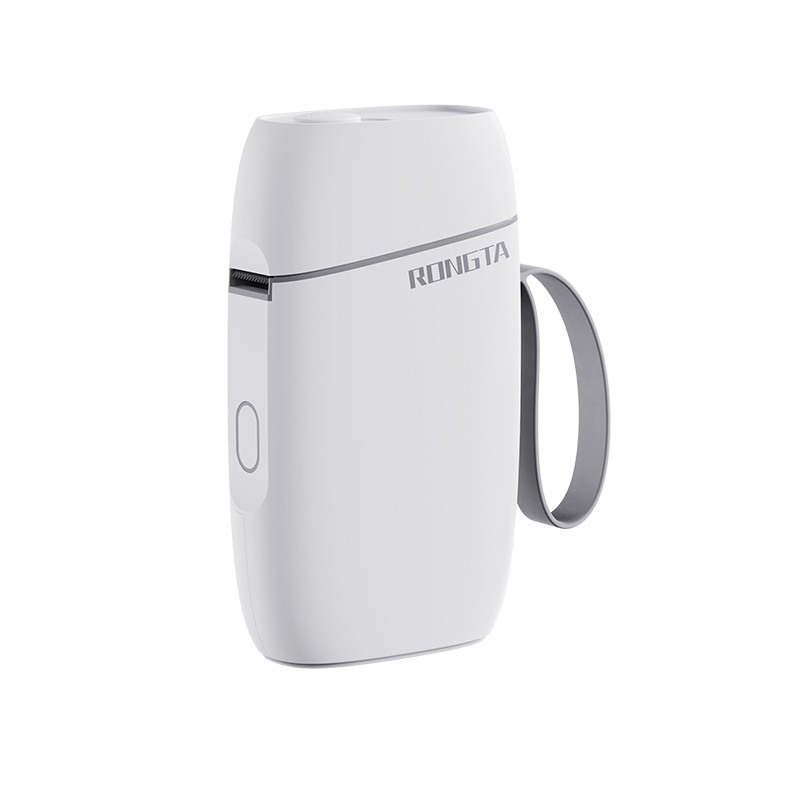 R5 Mini Label Printer
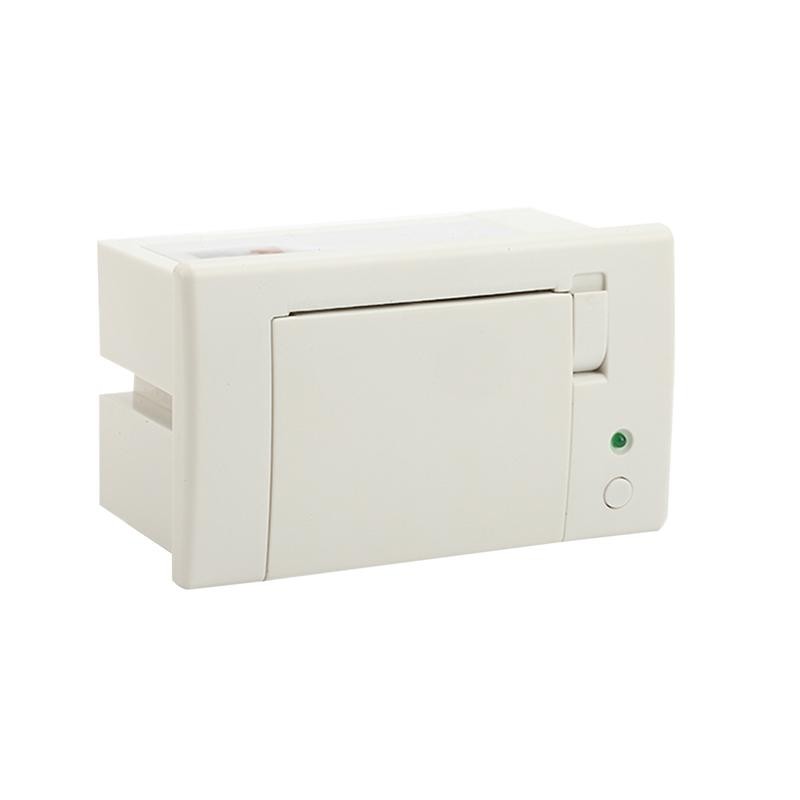 RP07 58mm Embedded Printer
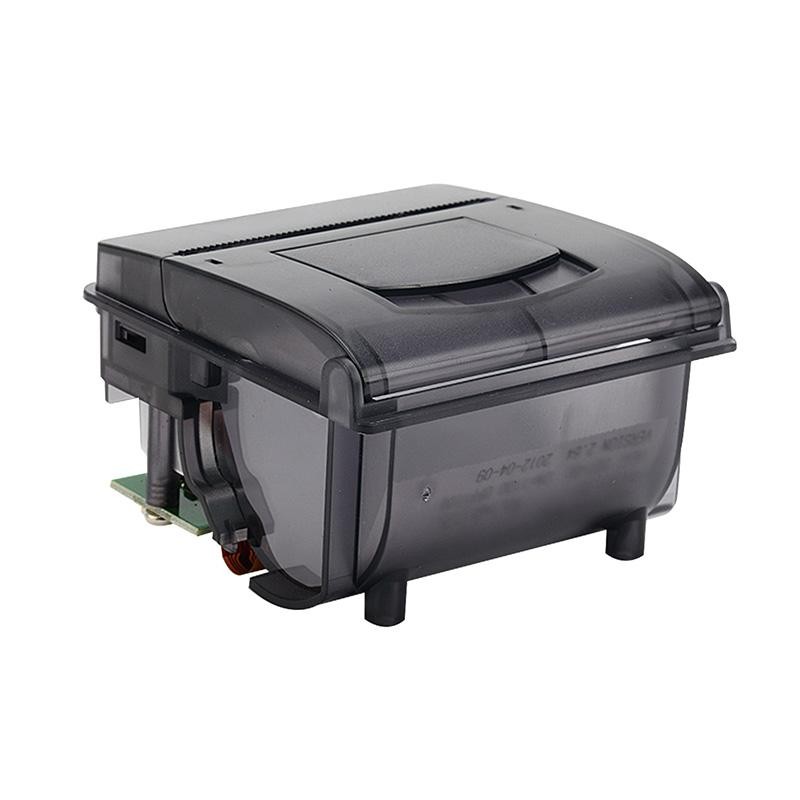 RP203 58mm Embedded Printer
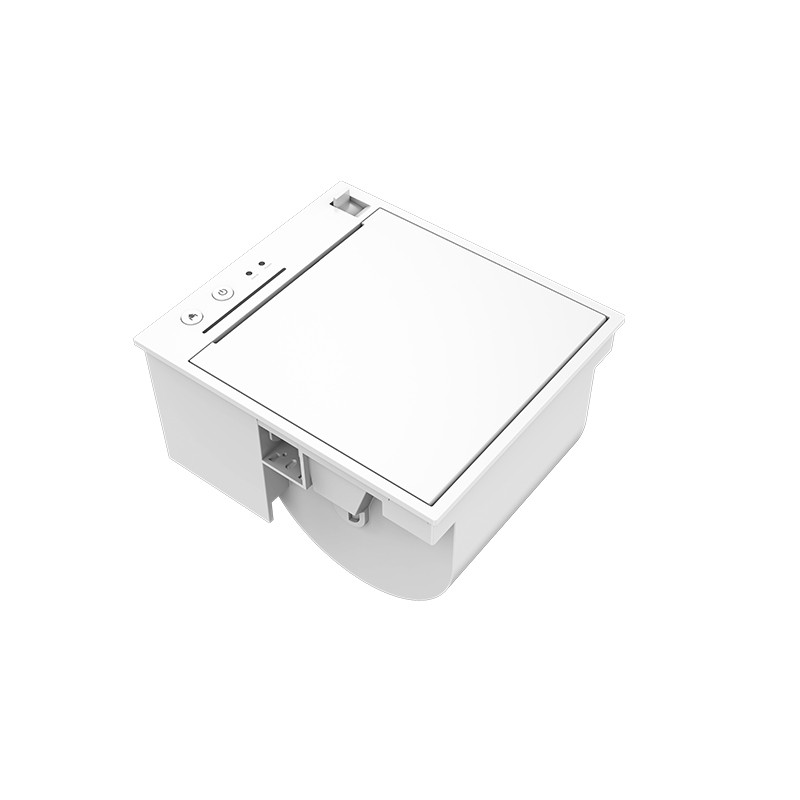 PM315 Embedded Thermal Printer
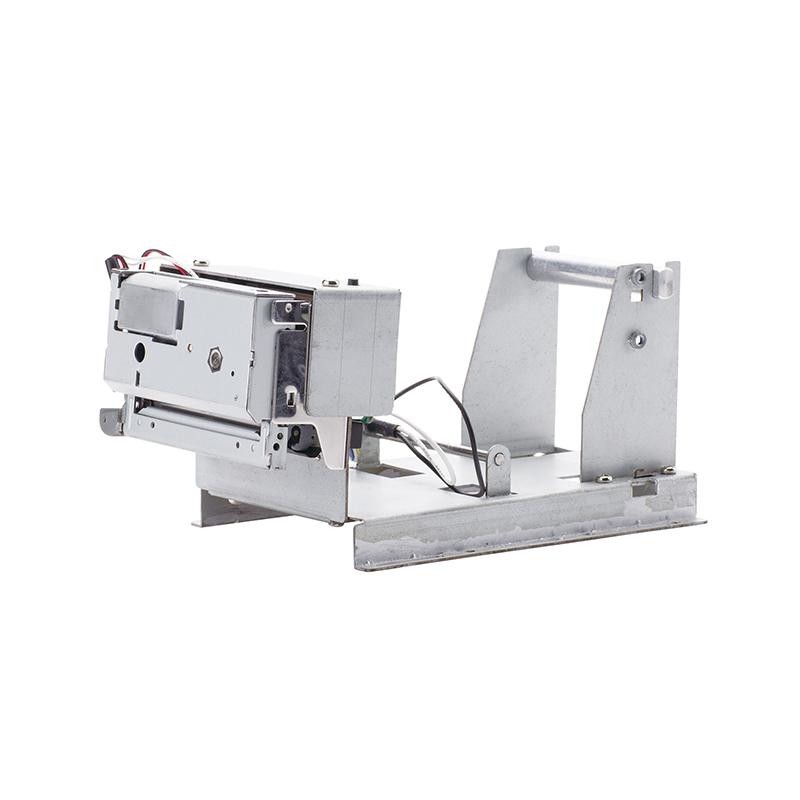 PM201 48mm Printing Module
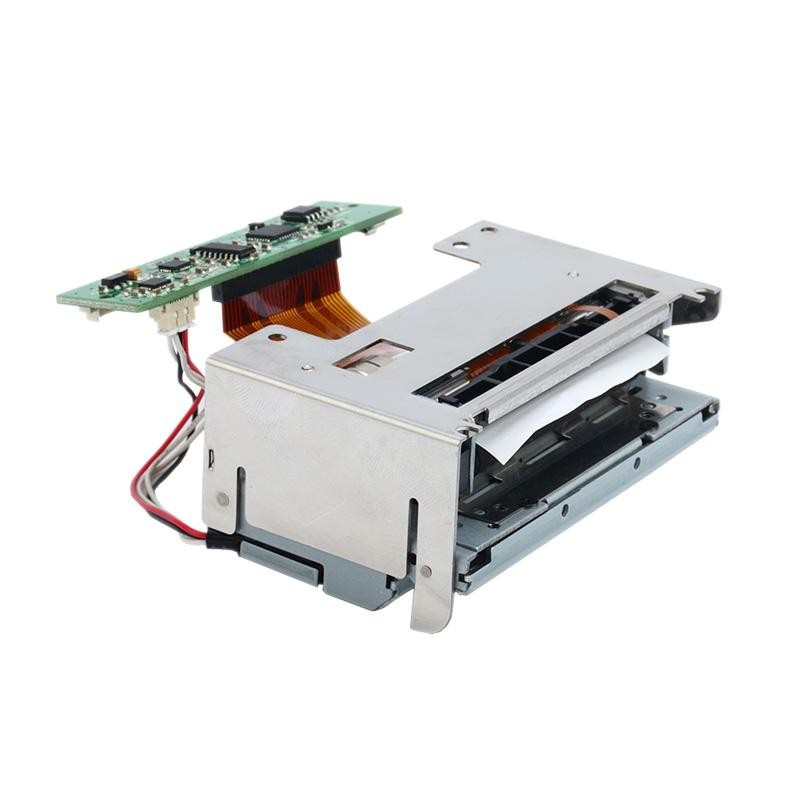 PM628 58mm printing module
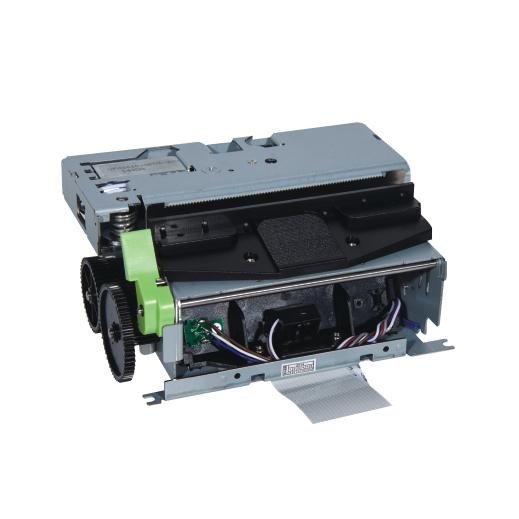 PM532A Printing Module
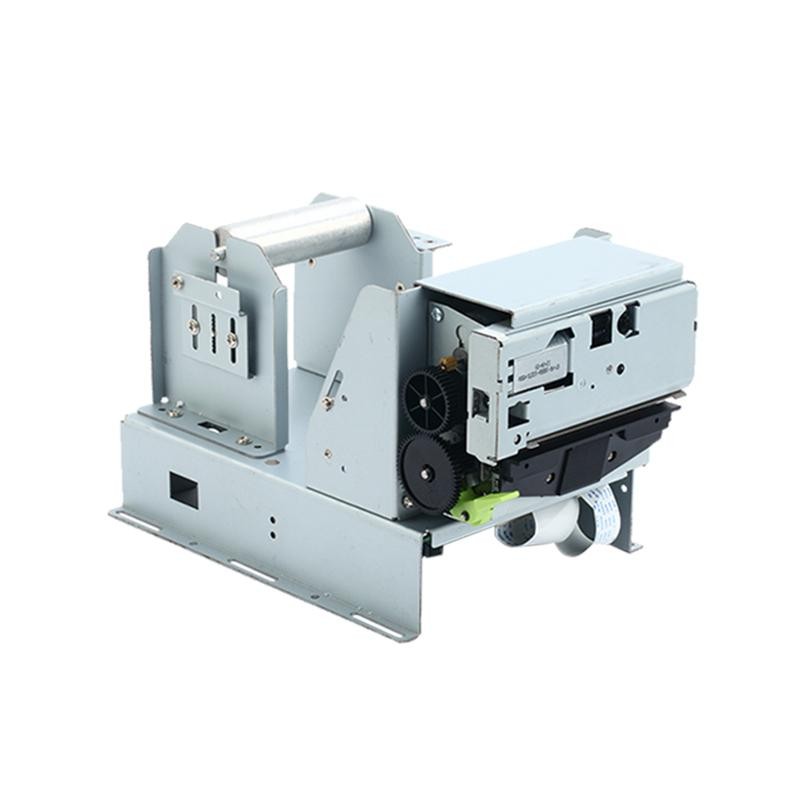 PM532B printer module
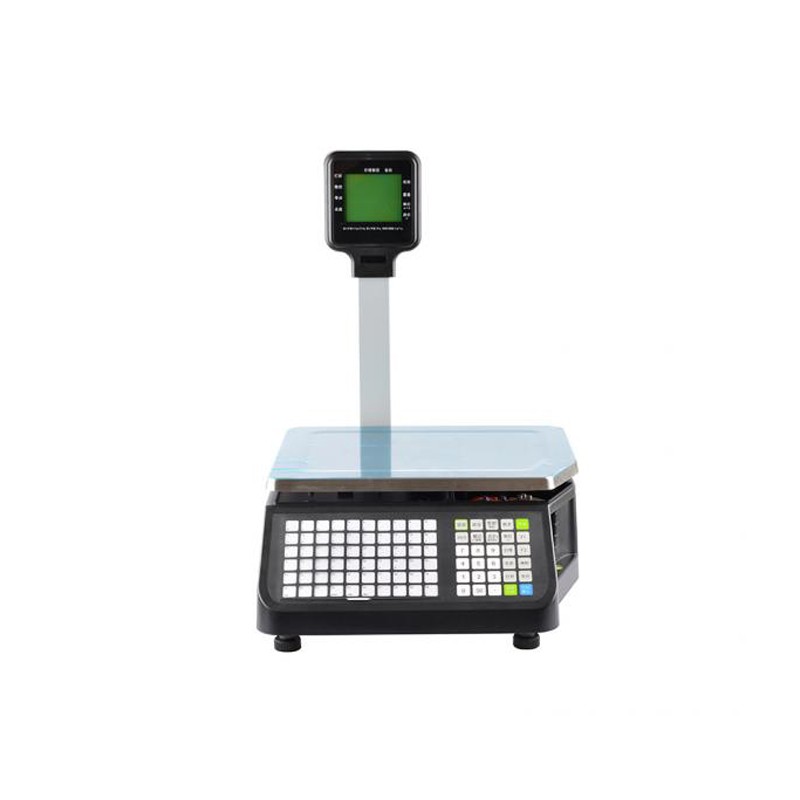 LS015/LS015A Barcode Scale
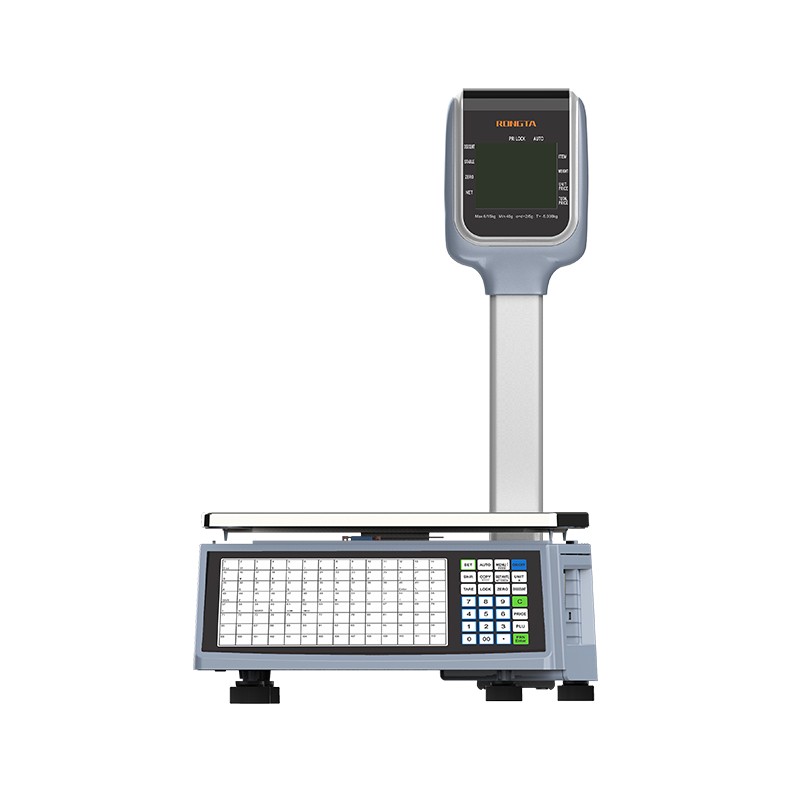 RLS1815D/RLS1830D Barcode Scale
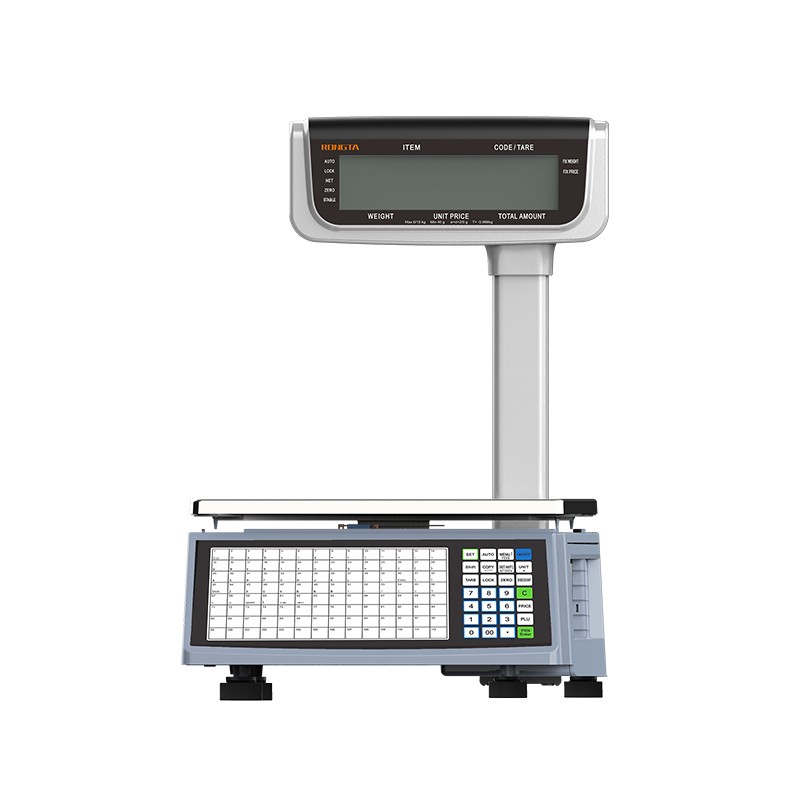 RLS1815C/RLS1830C Barcode Scale
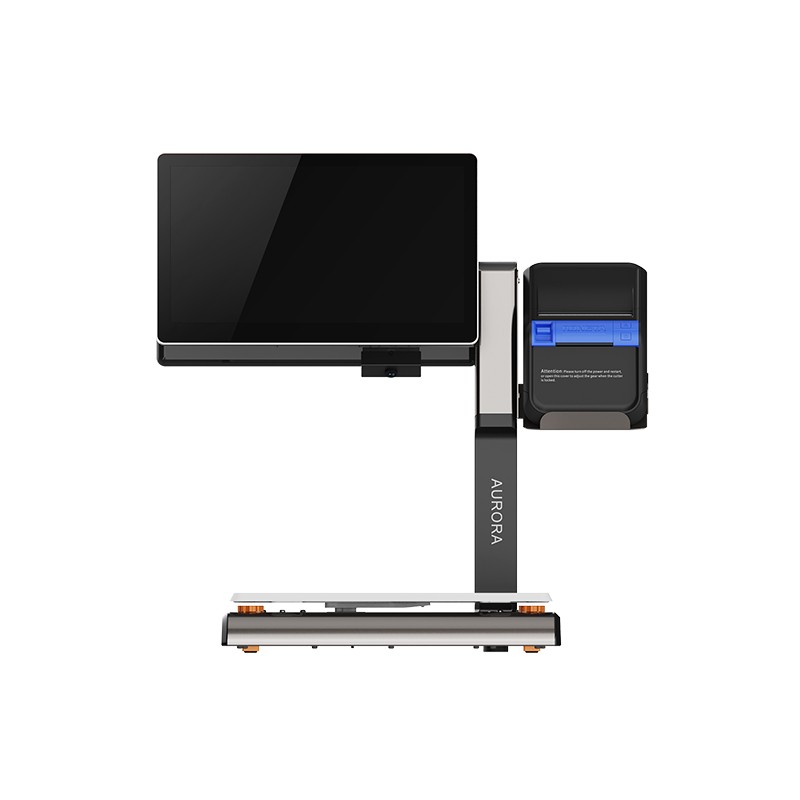 AURORA S2L-S Labelless Scale
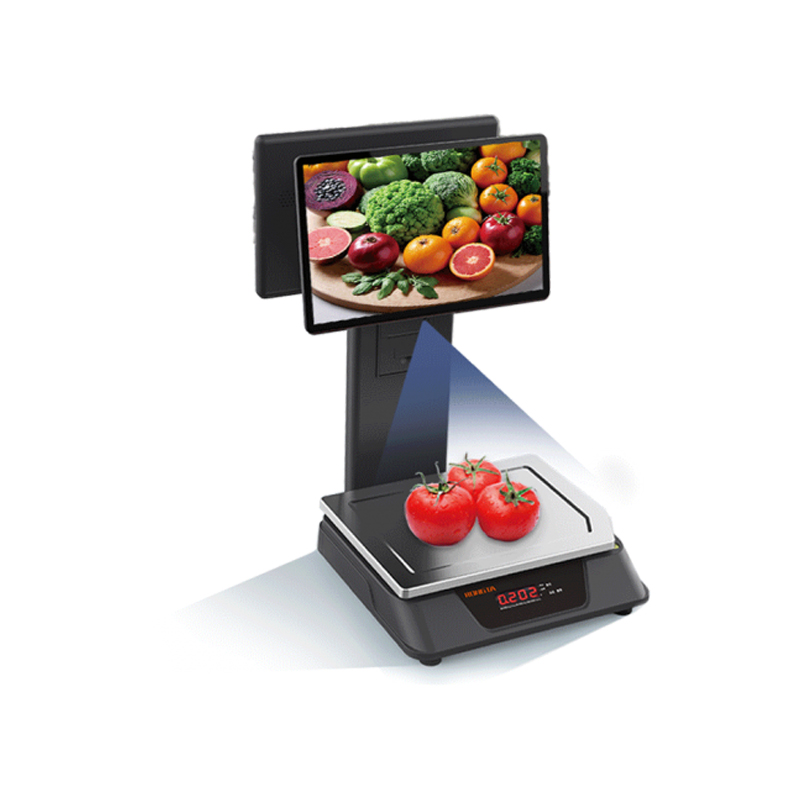 AURORA E1 PRO-AI Cash Register Scale
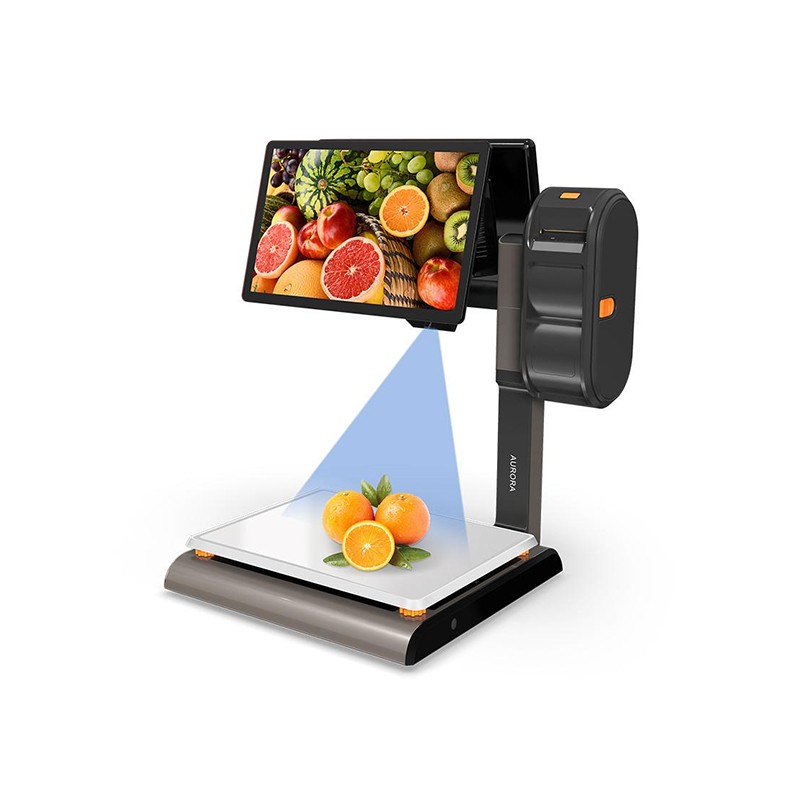 AURORA S2L-AI Label Scale
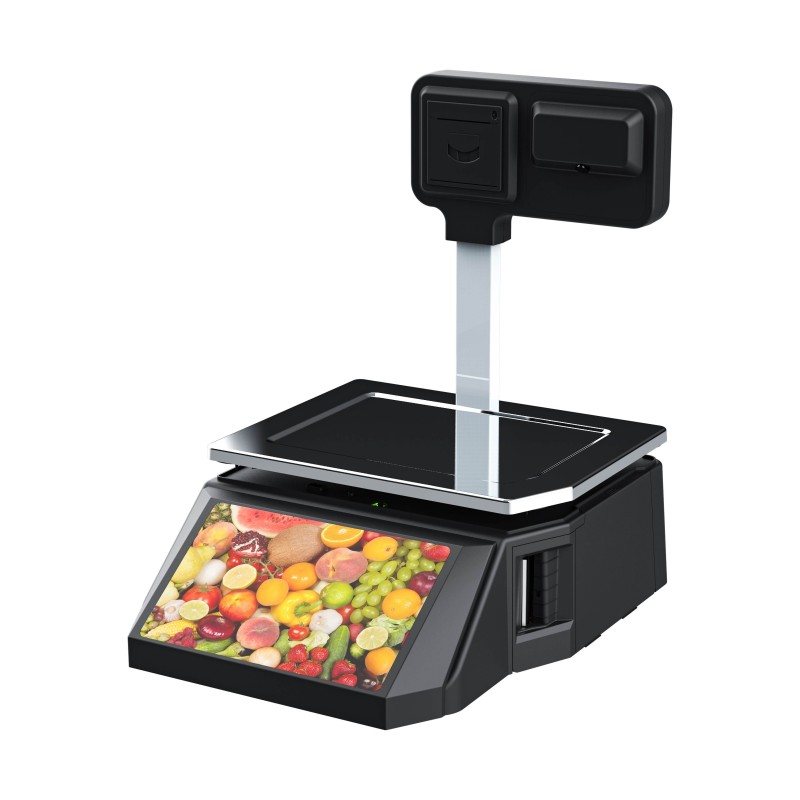 DP01-AI Smart Tag Cashier Dual-Use Scale
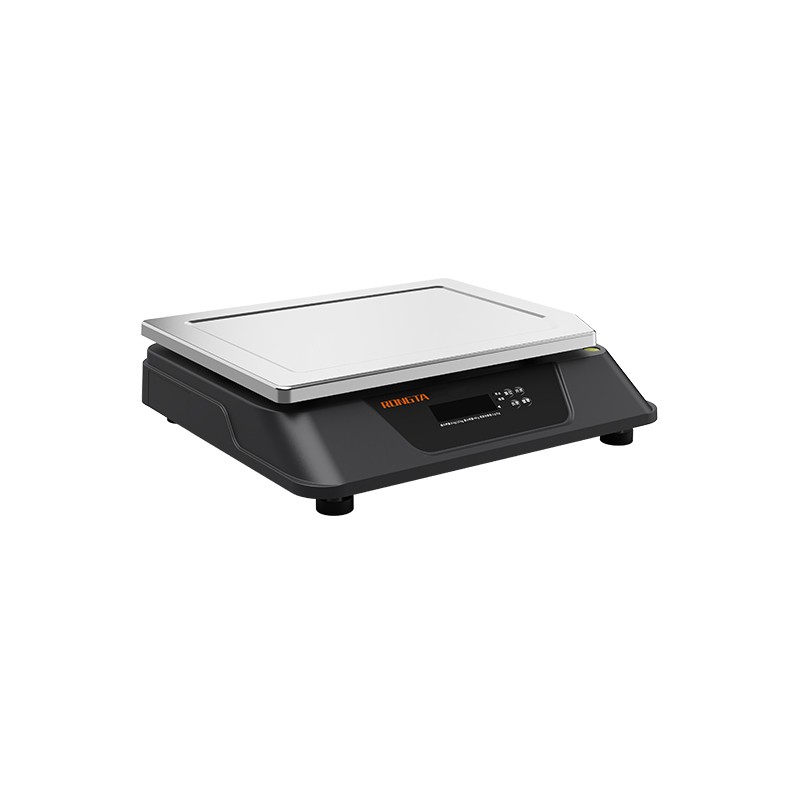 C3 Weighing Scale
 C1 weighing scale
 C11 Weighing Scale
 retail
 FOOD
FOOD Medical
 Mobile office/home
 asset Management
 logistics
 Driver download
 User Manual
 Tool Download
 Tag software
 Product Video
 Development Documentation
 Frequently Asked Questions
 User Guide
 Company News
 Exhibition Updates
 Industry Insights
 Product Update
 General situation
 Development history
 Honors and Qualifications
 R&D strength
 Team activities
 Social responsibility




Service Support
Rongda RPP300 Portable Receipt Printer Product Introduction and Usage Precautions
2026-01-12
I. Large CapacityRPP300 Mini Portable Receipt PrinterProduct Introduction
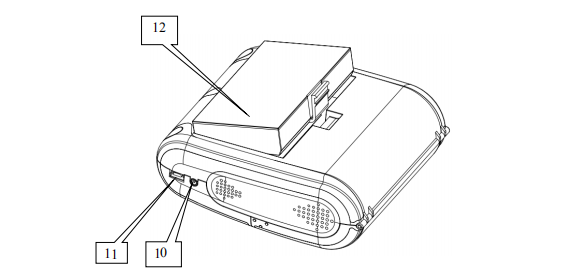
1. Portable receipt printer appearance
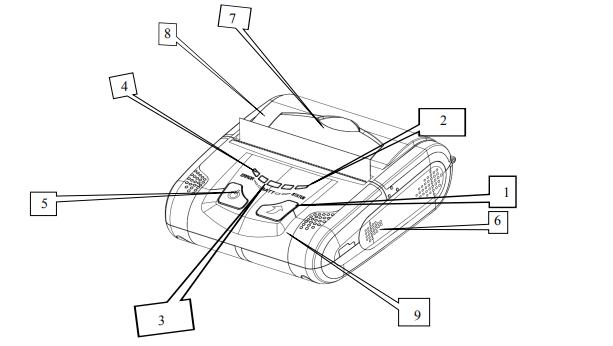
1) Paper feed button
2) Status indicator lights
3) Battery power indicator light
4) Error indicator light
5) Power button
6) Main body
7) Lid Opening Button
8) Transparent lid
9) Front cover
10) DC power interface
11) USB interface
12) Battery
?
2. Accessories for the RPP300 Portable Receipt Printer
Standard accessories
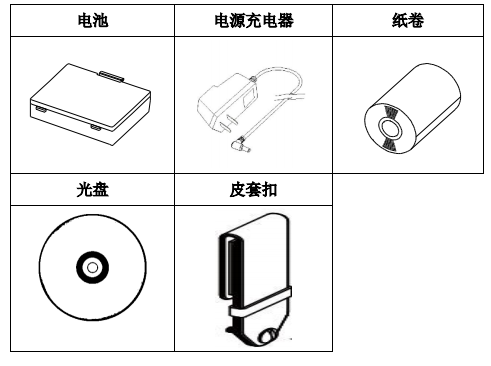
Optional accessories
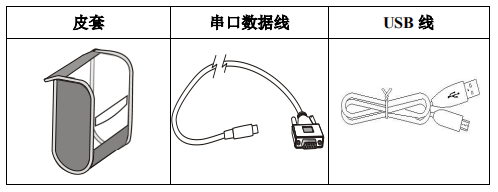
II. Performance Features of the RPP300 Portable Receipt Printer
1. Printing performance
Printing method: Line thermal printing
Paper width: 79.5mm
Print width: 72mm
Resolution: 8 dots/mm (203 dpi)
Points per row: 576
Printing speed: 60mm/s (Max)
Paper thickness: 60–80 μm
Printable content: Standard characters GB18030 Simplified Chinese (PC437, Katakana, PC850, PC860, PC863, PC865, WPC1252, PC866, PC852, PC858), barcodes (CODE39, EAN-13, EAN-8, CODABAR, CODE93, ITF), 2D barcodes (QR, PDF417).
2. Physical parameters
External dimensions: 113*103*45mm
Weight: 335g (including battery and paper roll)
Paper roll diameter: ≤40mm
Interface options: Wi-Fi, USB, Bluetooth, RS232 (customization required); the specific interfaces available may vary depending on the model. Please refer to the model specifications.
3. Environmental parameters
Operating temperature: -10℃~50℃
Operating humidity: 20%~85%
Storage temperature: -20℃~70℃
Storage humidity: 5%–95%
4. Other performance characteristics
Paper loading method: Clamshell paper loading (see 4.1.2 Printing paper roll installation for details on paper loading method);
Paper out detection: When the paper is out, the printer's error indicator (red) and status indicator (green) will remain lit.
Print control commands: ESC/POS compatible command set (see 300 Programming Manual for details, which can be obtained from your supplier);
Power supply: 2000mAh rechargeable lithium battery
8. Battery warning: When the rechargeable battery is about to run out of power, the printer's battery indicator lights will all turn off, and the printer's error indicator light (red) will remain on.
Adapter charging: Fully charged in 5 hours;
Note: The 300mAh battery cannot be charged simultaneously using the adapter and USB.
Usable time on a single charge: Under normal circumstances, it can print 200 meters or 6 hours continuously. This parameter is for reference only. After prolonged use, the battery capacity may decrease, and the printing time cannot be guaranteed.
?
III. Precautions for using the Rongda Portable Receipt Printer RPP300
1) Do not immerse the printer in water or expose it to rain for extended periods, as this may damage the printer.
2) Do not open the paper tray cover during printing, otherwise the printer may malfunction.
3) When using serial port printing, the serial cable must not be unplugged during the printing process, otherwise the printed data may be incomplete.
4) When using infrared printing, the infrared window of the main device must be aligned with the infrared window of the printer during the printing process. The distance should not exceed 50 cm and the angle should not exceed 30 degrees. Otherwise, it may cause garbled characters or failure to print.
5) Although the printer can operate stably from -10℃ to 50℃, excessively high ambient temperatures (45℃) or excessively low ambient temperatures (5℃) will reduce print quality. Excessively high ambient humidity (above 85% relative humidity) or excessively low ambient humidity (below 20% relative humidity) will also reduce print quality.
6) Using inferior printing paper or printing paper that has been stored for too long may reduce print quality or even damage the printer.
7) When the printer is working in black mark detection mode (when printing pre-printed tickets with black marks), the black marks pre-printed on the printing paper must conform to the black mark printing specifications (see 4.2 Black Mark Detection Instructions). Otherwise, the printer may not be able to accurately detect the black marks.
8) Before charging the printer, try to use up all the battery power before charging. This can effectively ensure the battery's lifespan.
?