

 80mm Receipt Printer
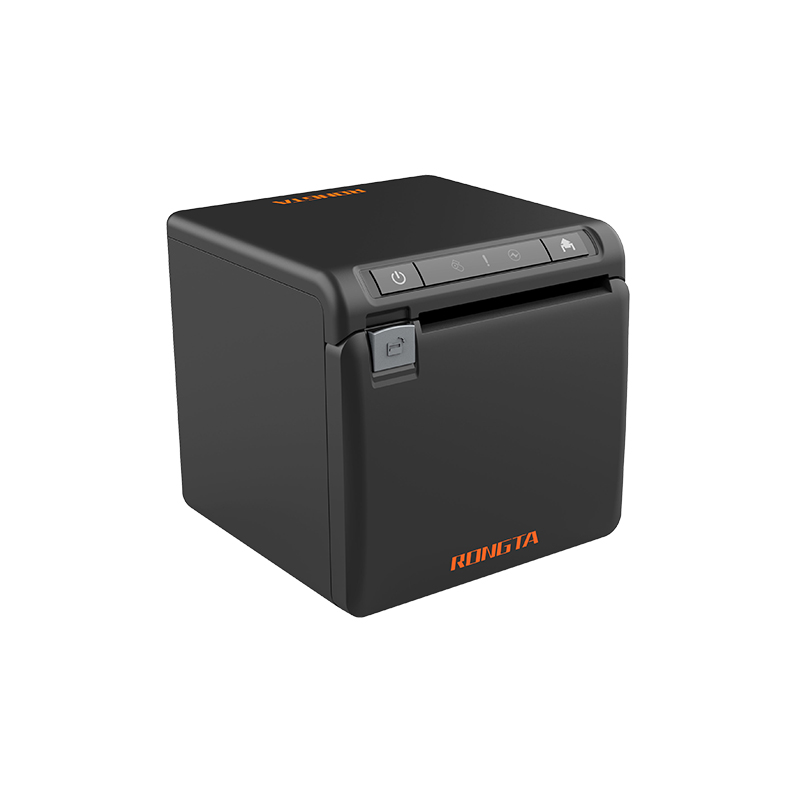 ACE H2 Receipt Printer
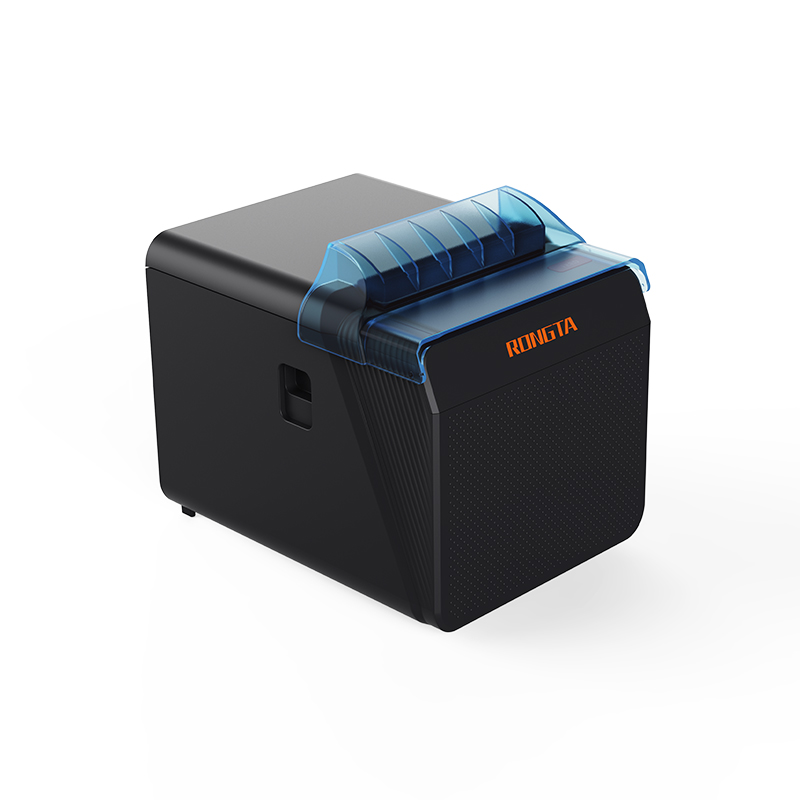 RP337 Receipt Printer
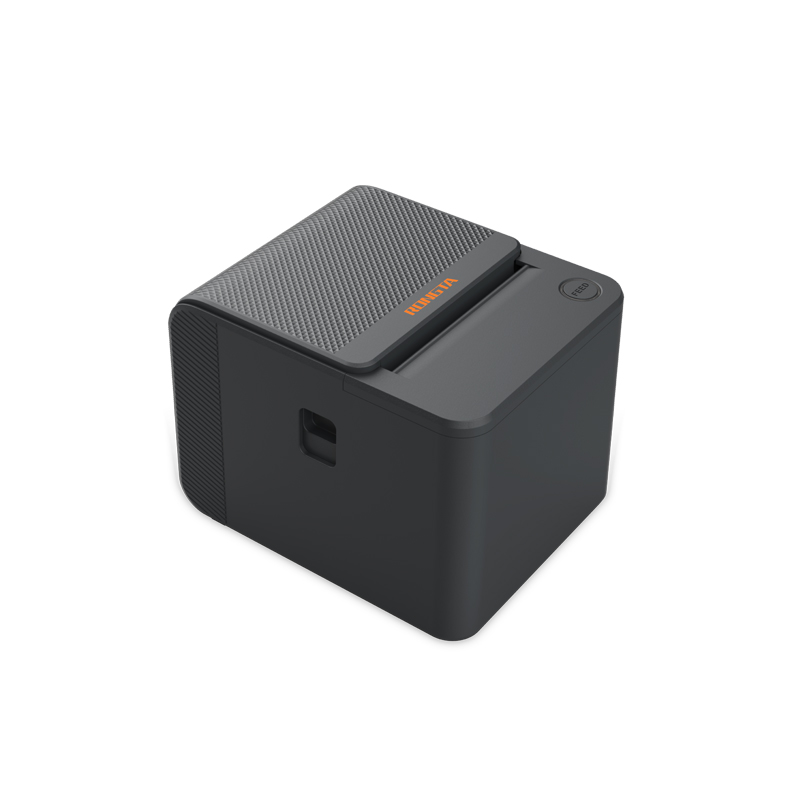 RP336S Dual-Color Receipt Printer
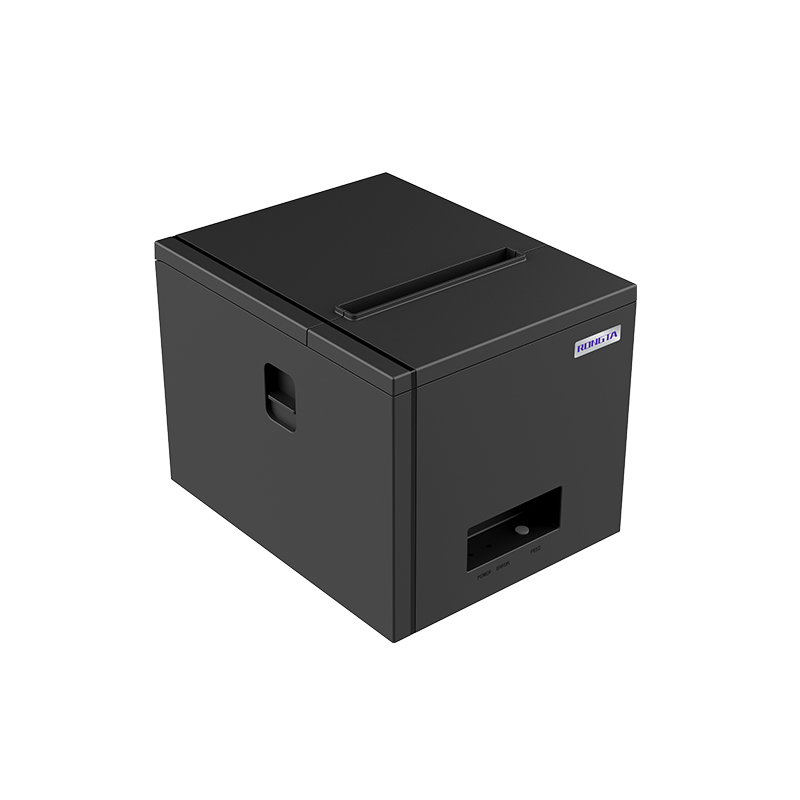 RP350 Receipt Printer
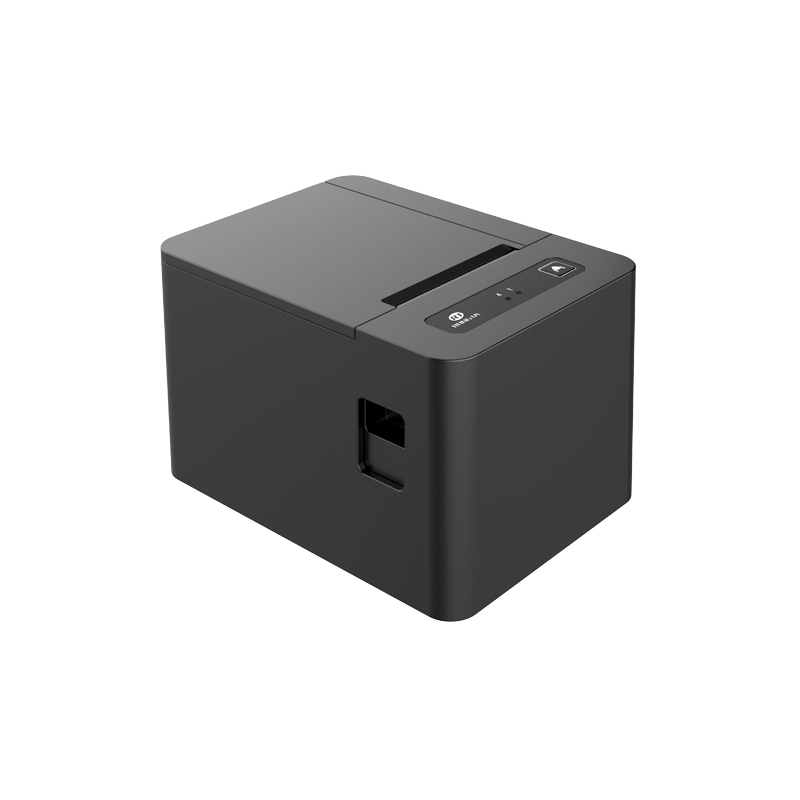 RP582 Receipt Printer
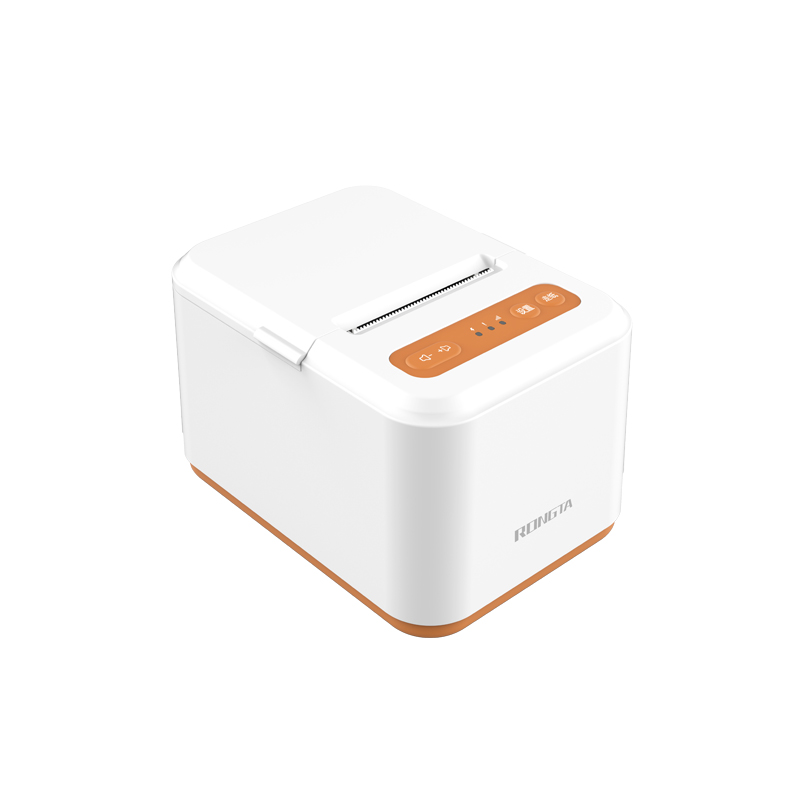 RP581 Receipt Printer
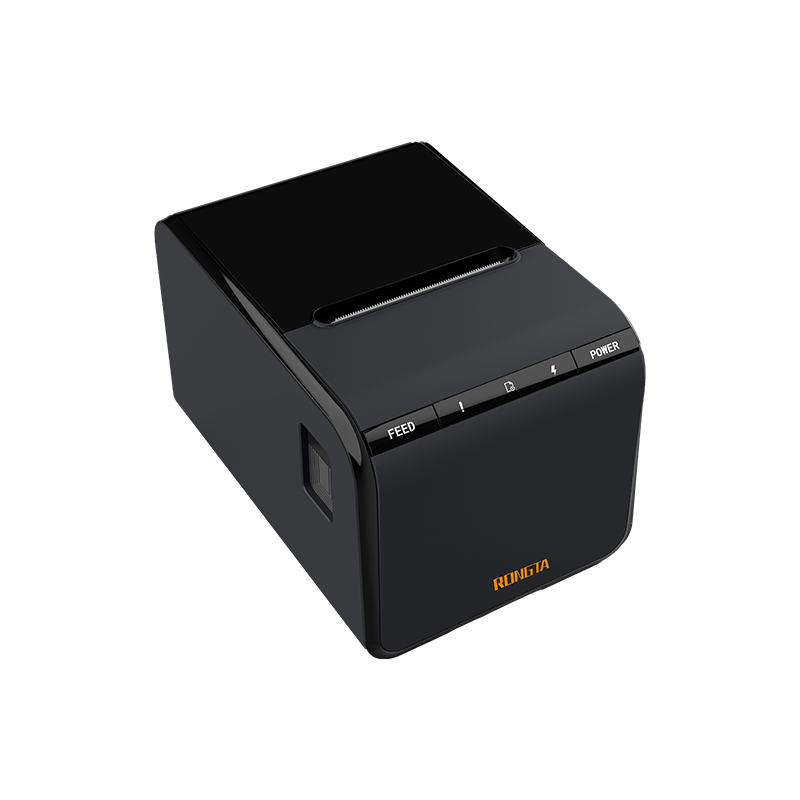 ACE G1Y Receipt Printer
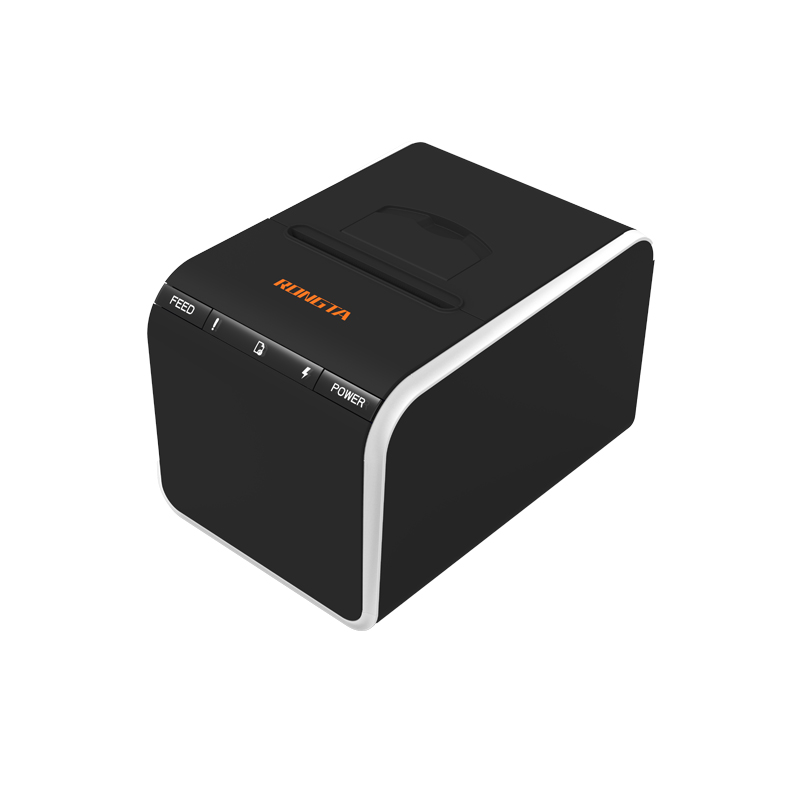 ACE G1YP Cloud Printer
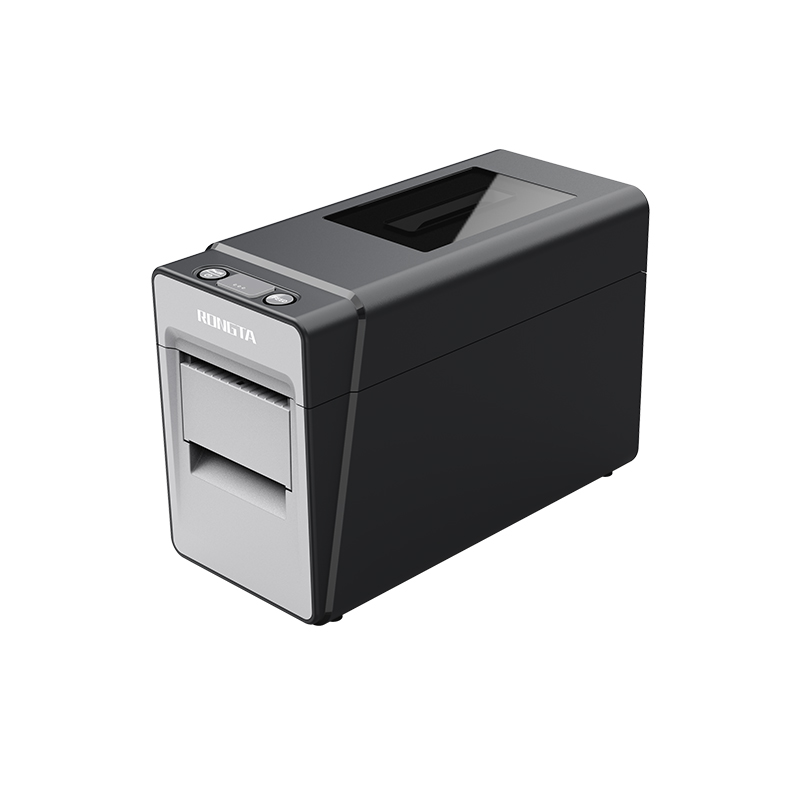 RP216 2'' Dual-color High-definition Label Printer
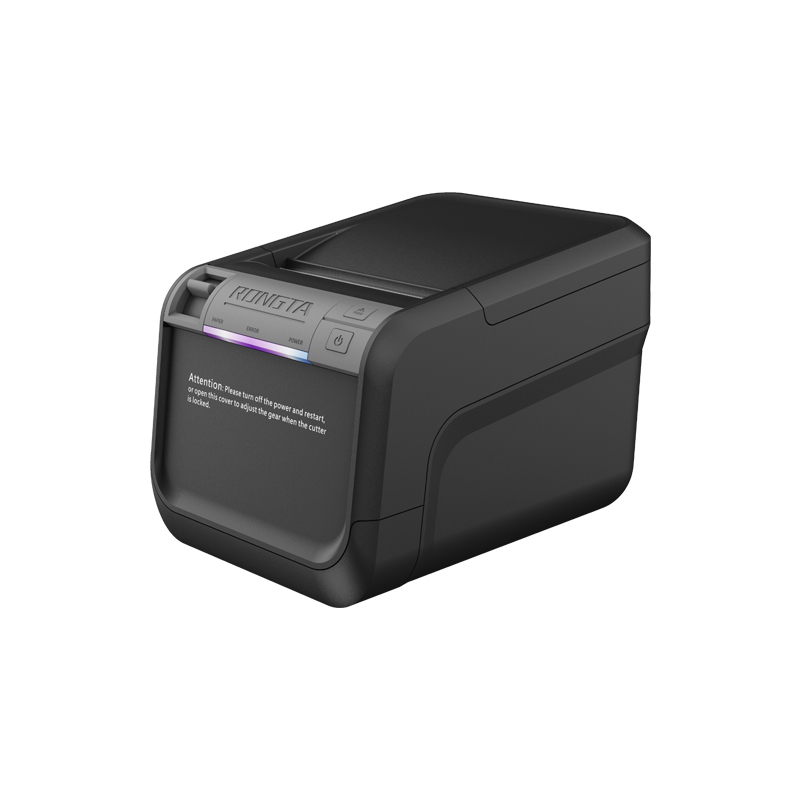 ACE V1S 3'' Backless Label Printer
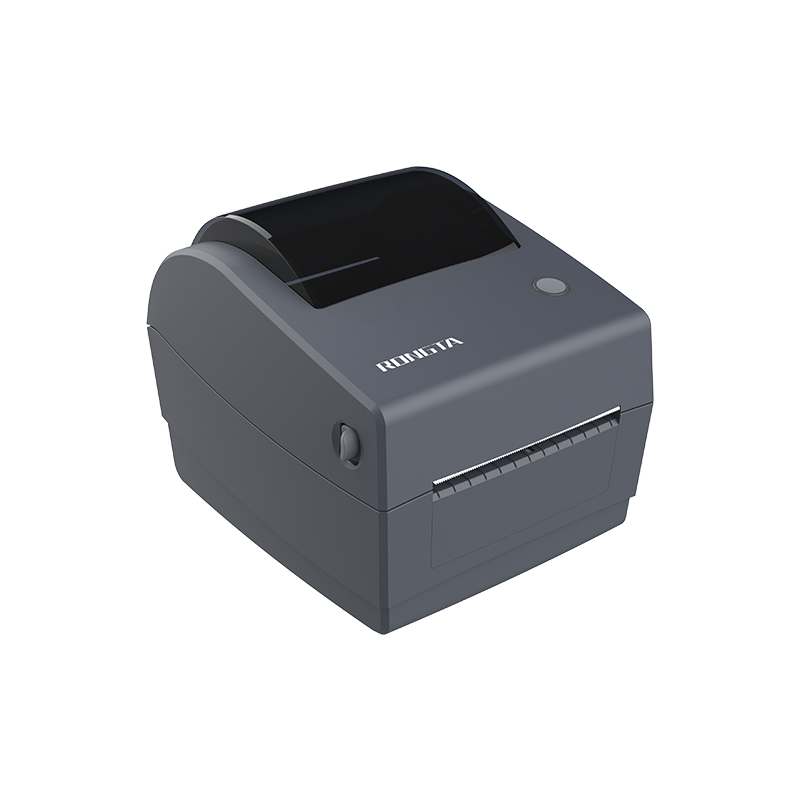 RP310D 3'' Dual-color Label Printer
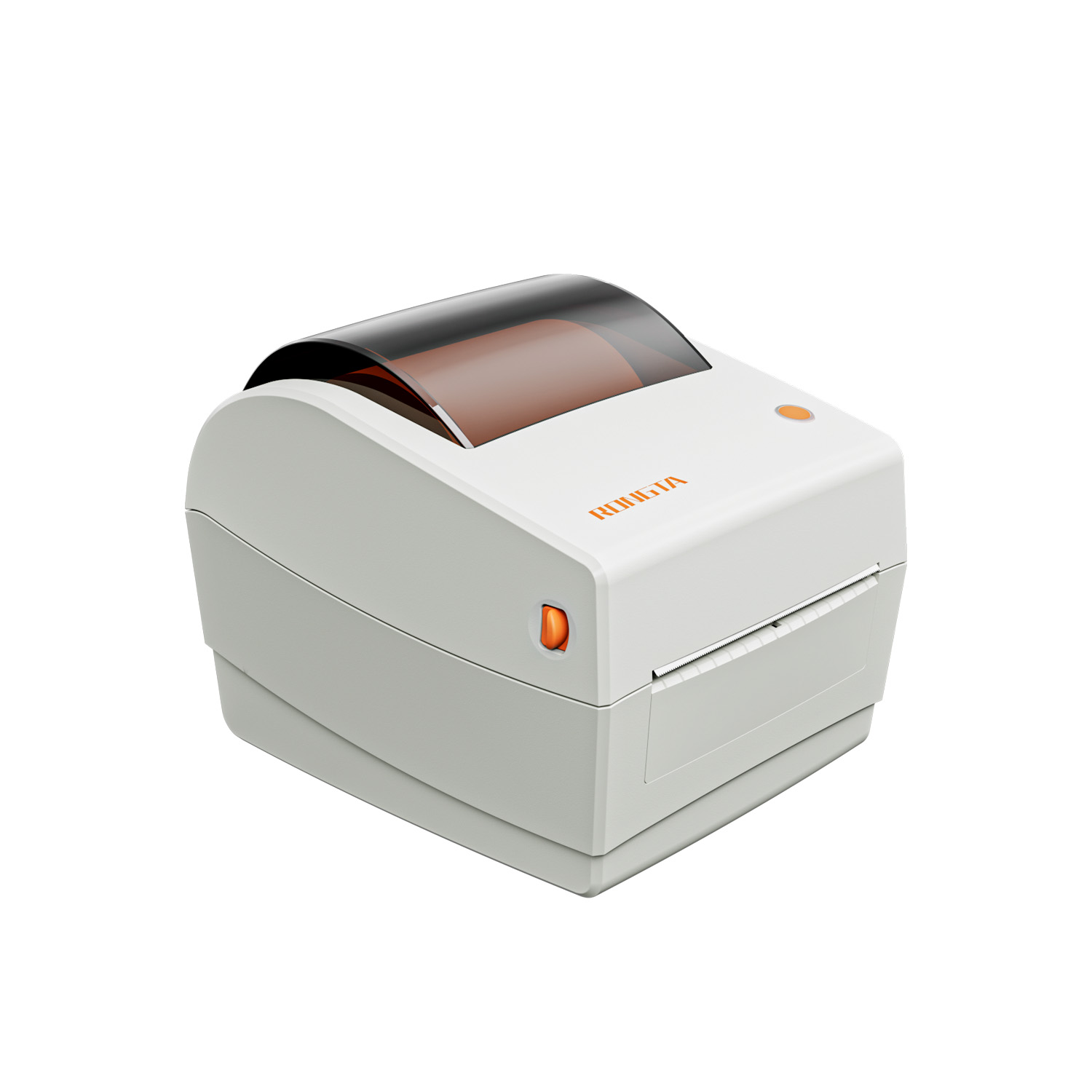 RP410N 4'' Thermal Label Printer
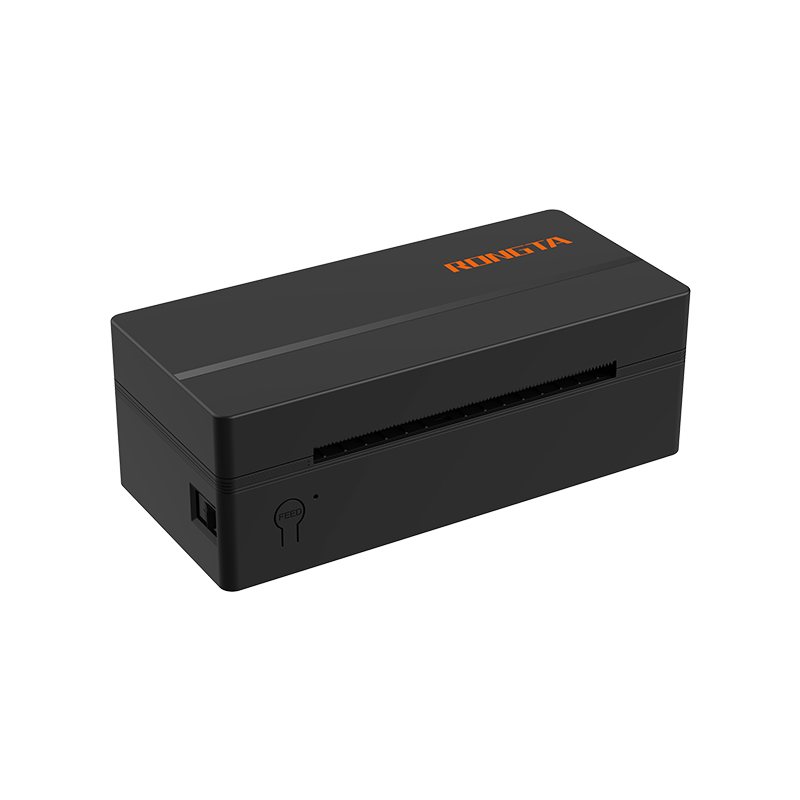 RP425 4'' Electronic Waybill Printer
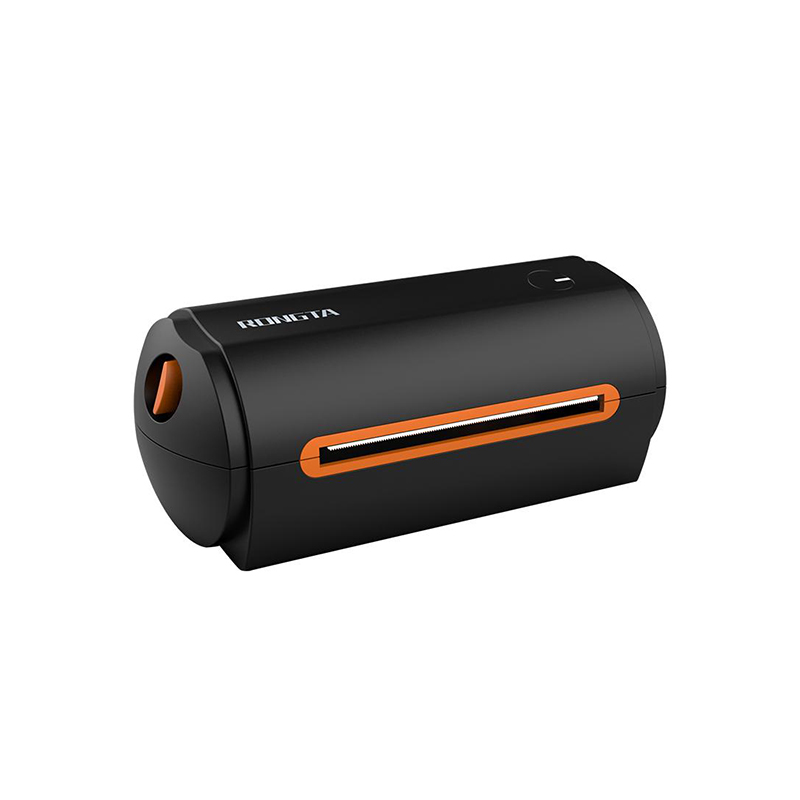 RP422 4'' Electronic Waybill Printer
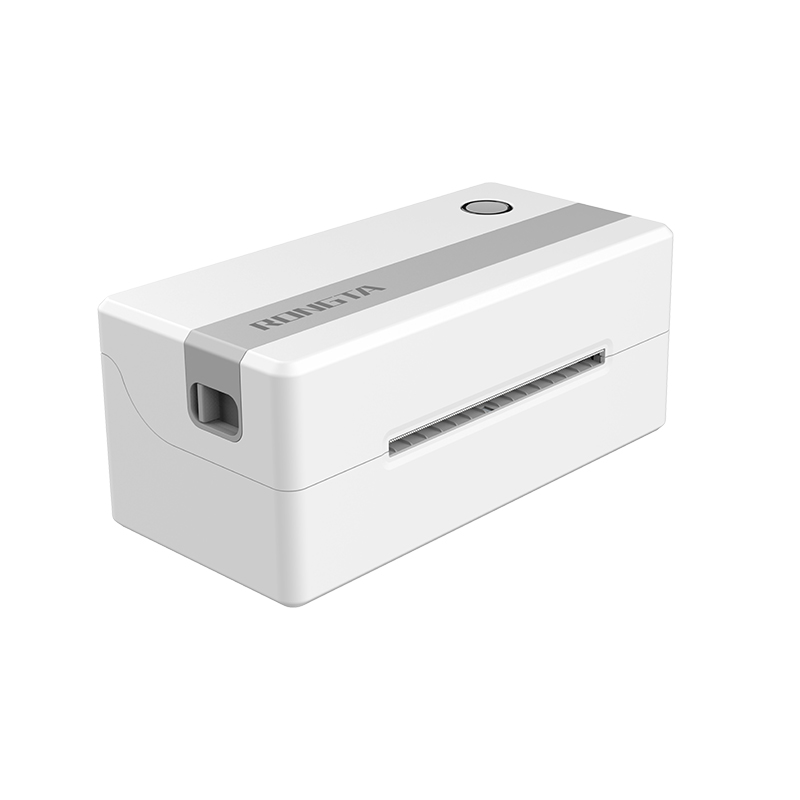 RP421A 4'' Electronic Waybill Printer
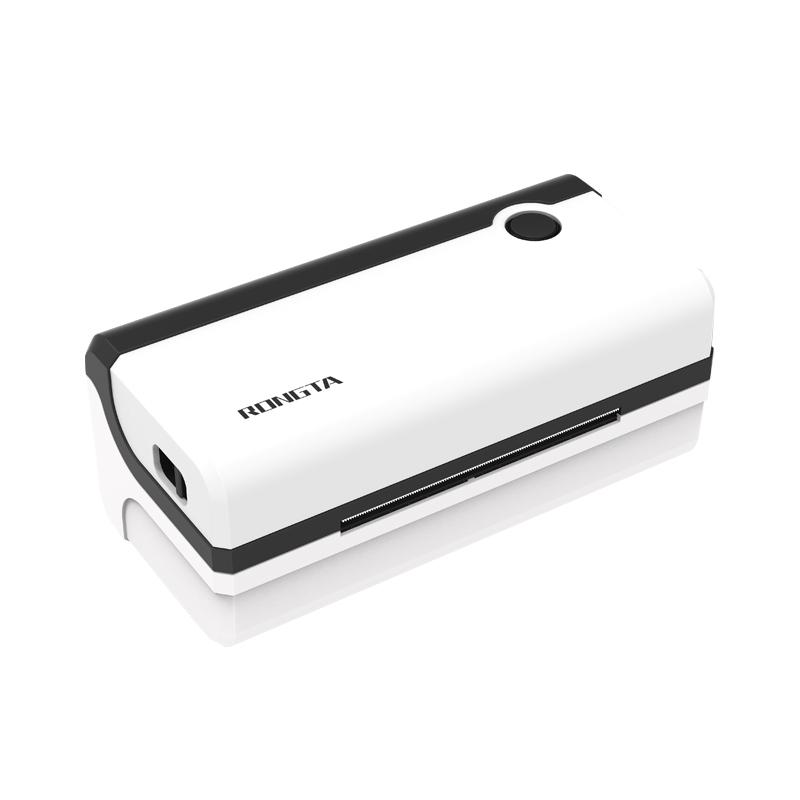 RP420 4'' Electronic Waybill Printer
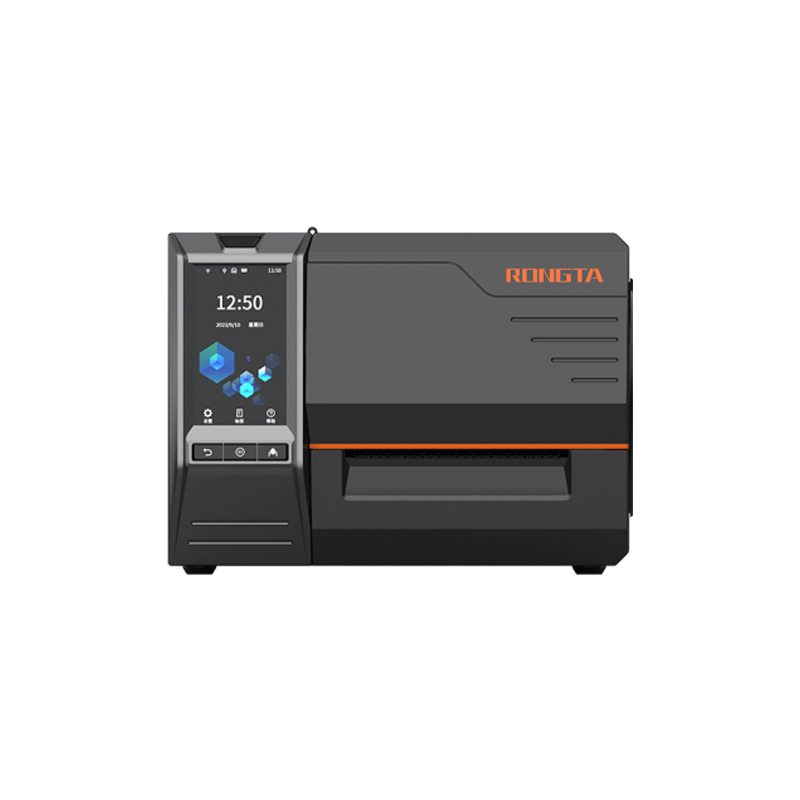 RI463 Series Barcode Printers
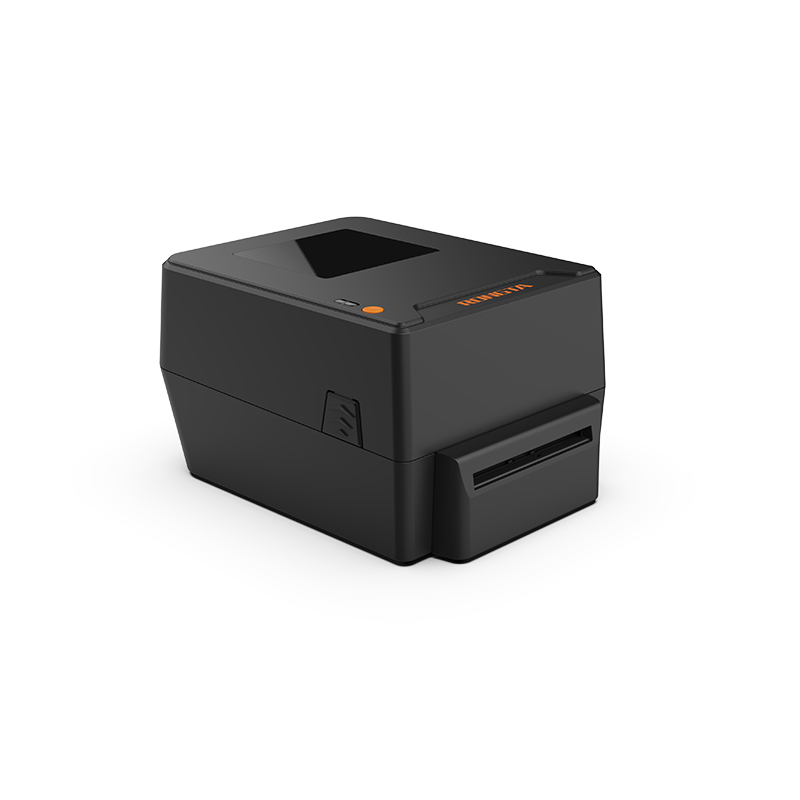 RP400A 4'' Thermal Transfer Tape Cutter Printer
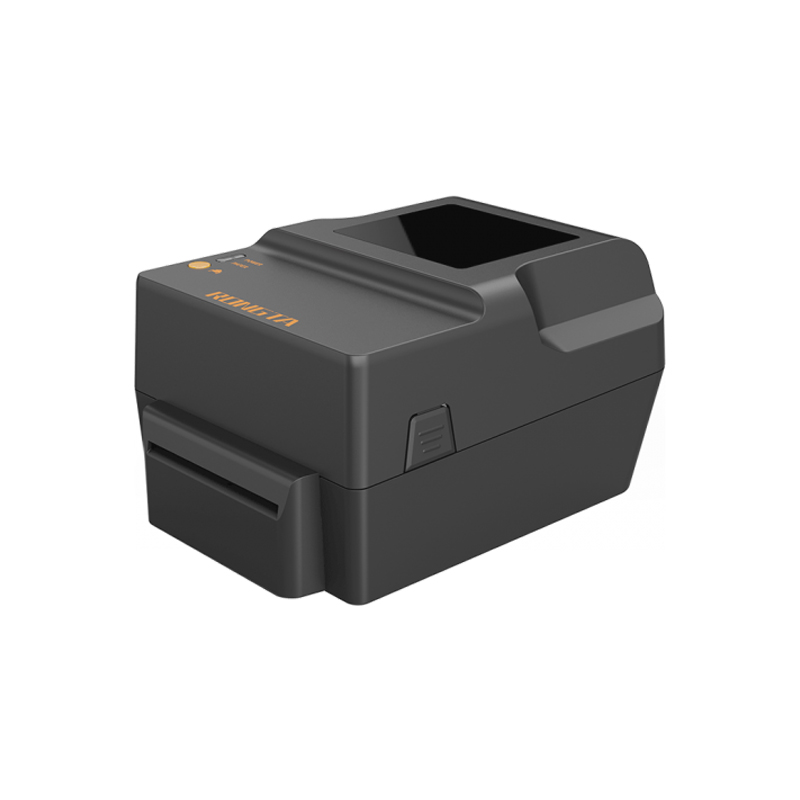 RP400H 4'' Thermal Transfer Tape Cutter Printer
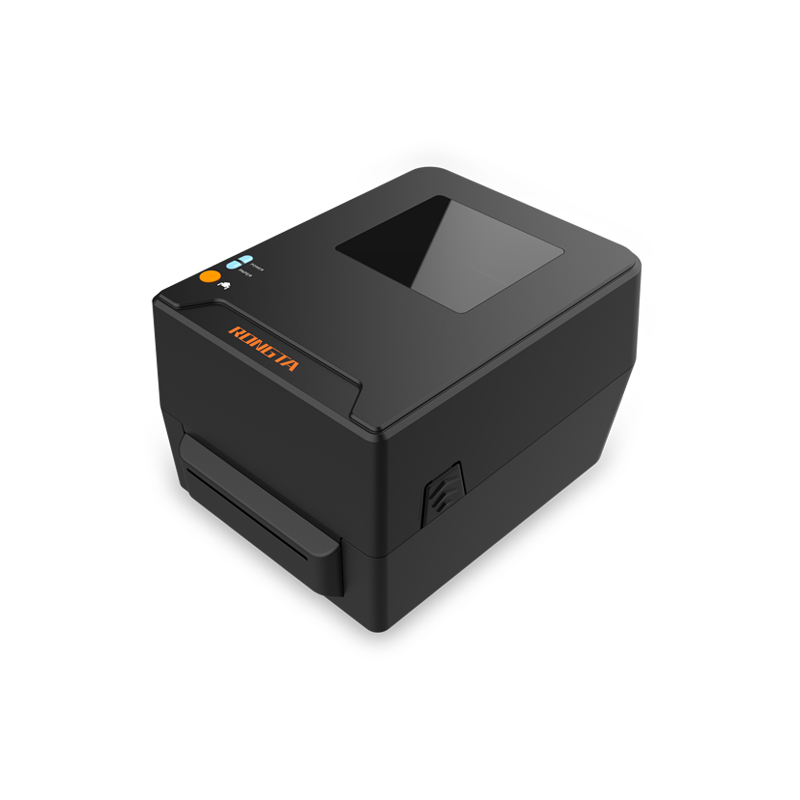 RPF413 300dpi RFID barcode label printer
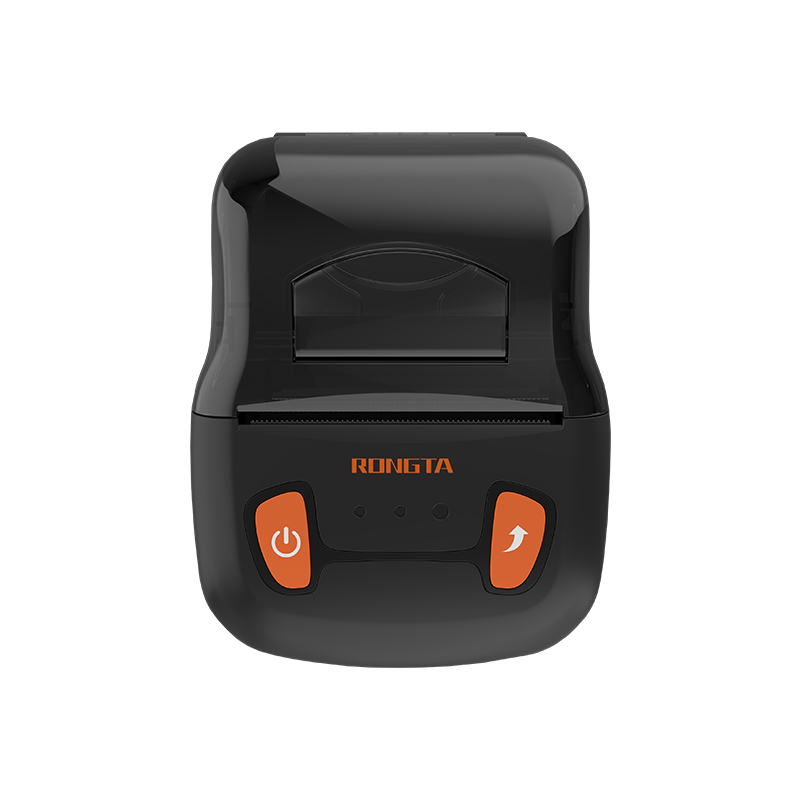 RPP02A Portable Receipt Printer
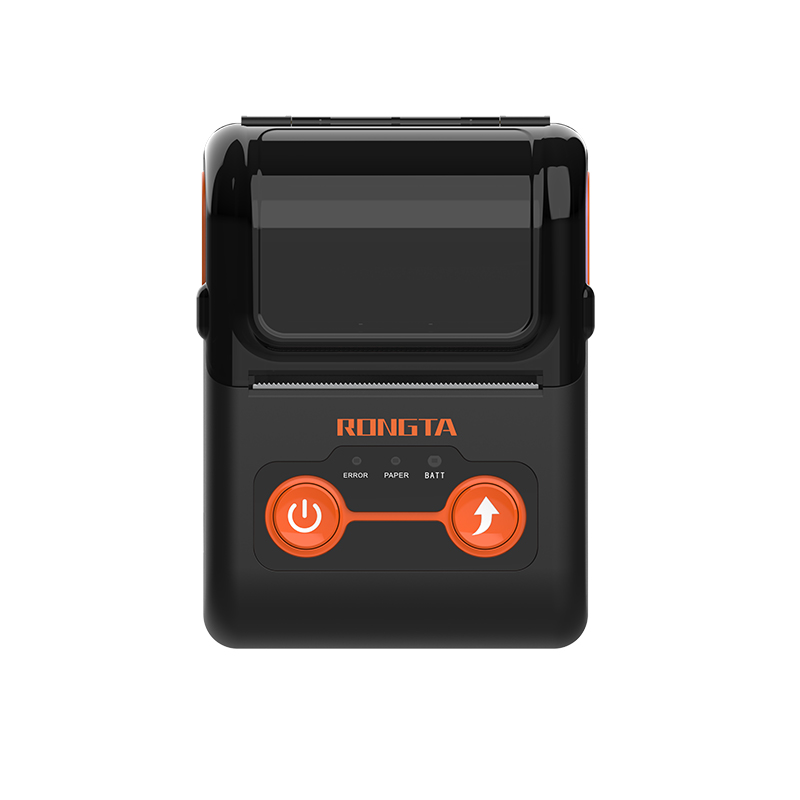 RPP02B Thermal Portable Printer
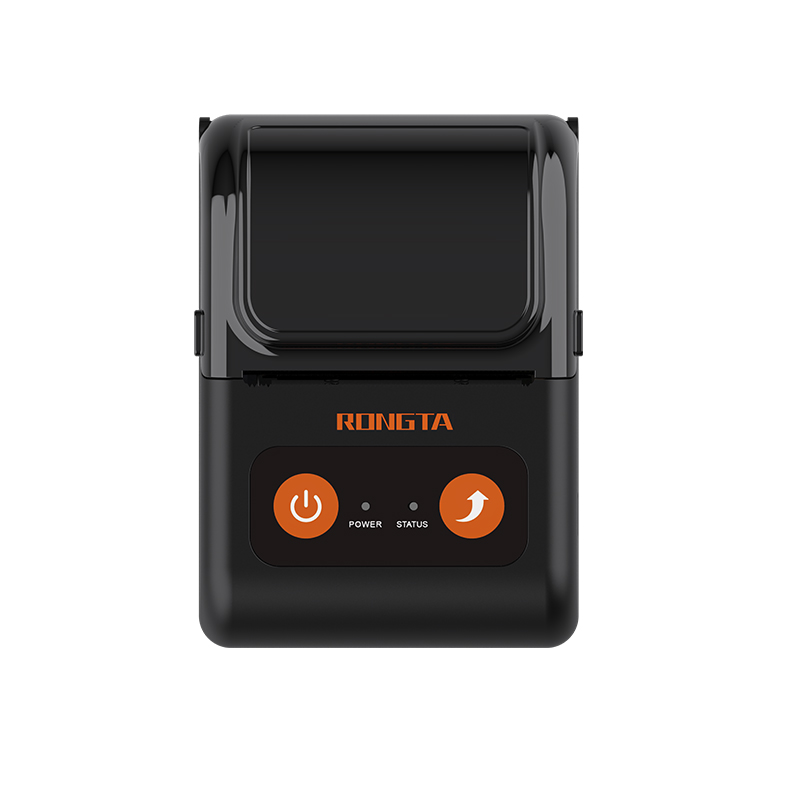 RPP02C Portable Receipt Printer
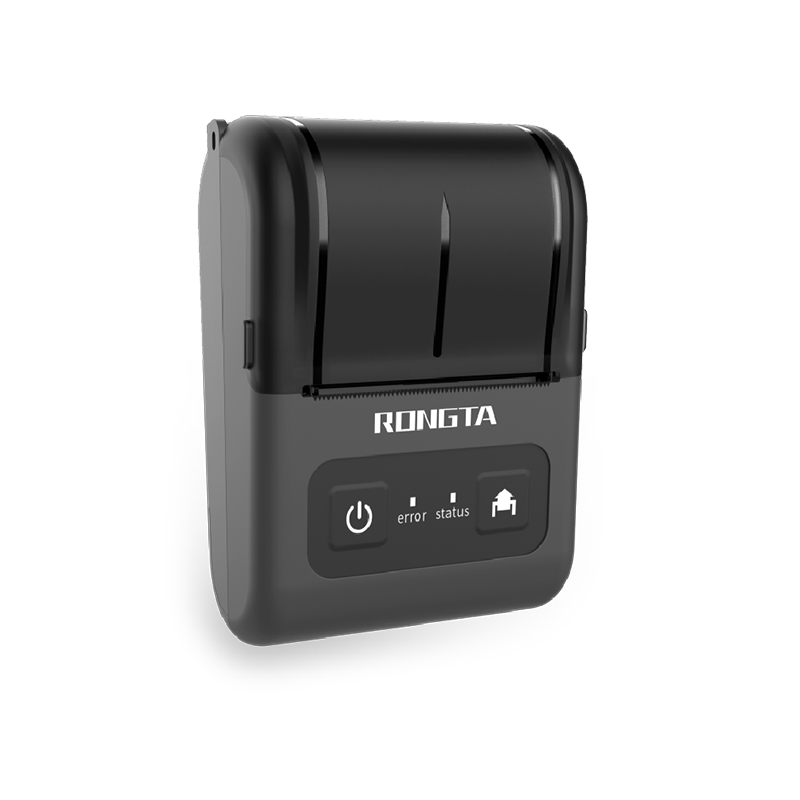 RPP02D Thermal Portable Printer
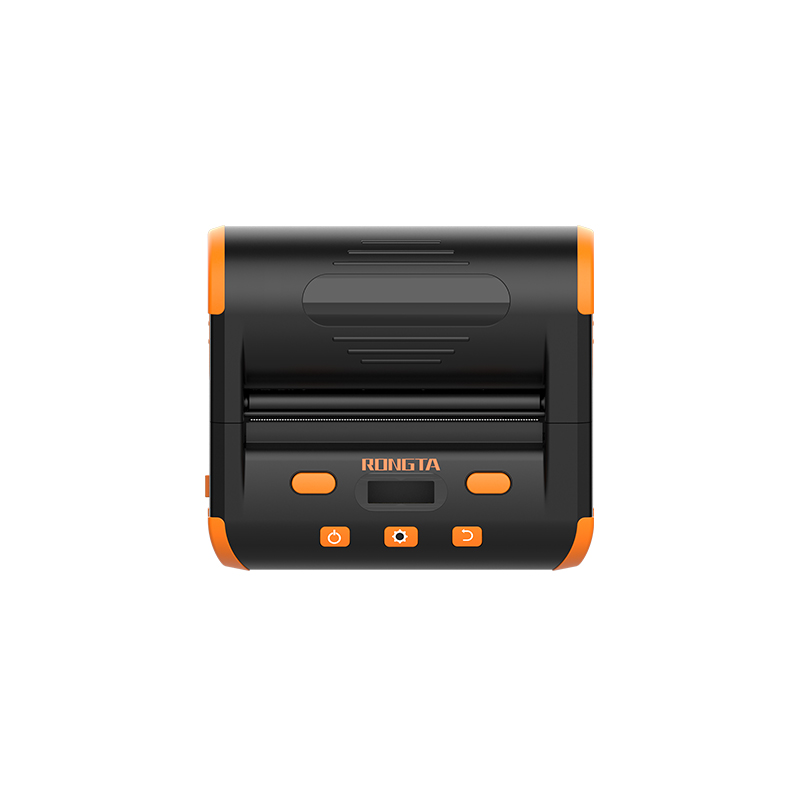 RPP04 4" Portable Label Printer
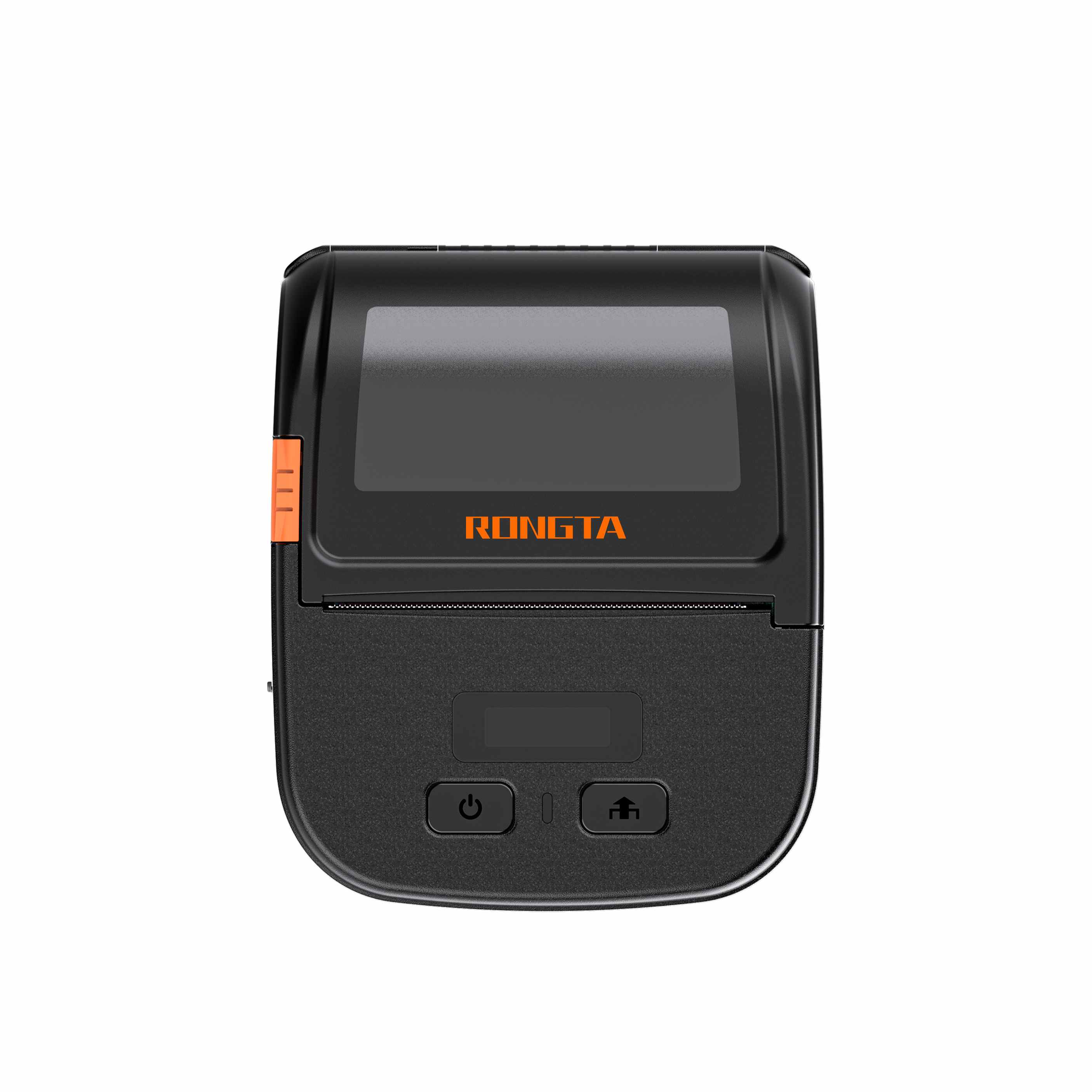 RPP30 3" Portable Label Printer
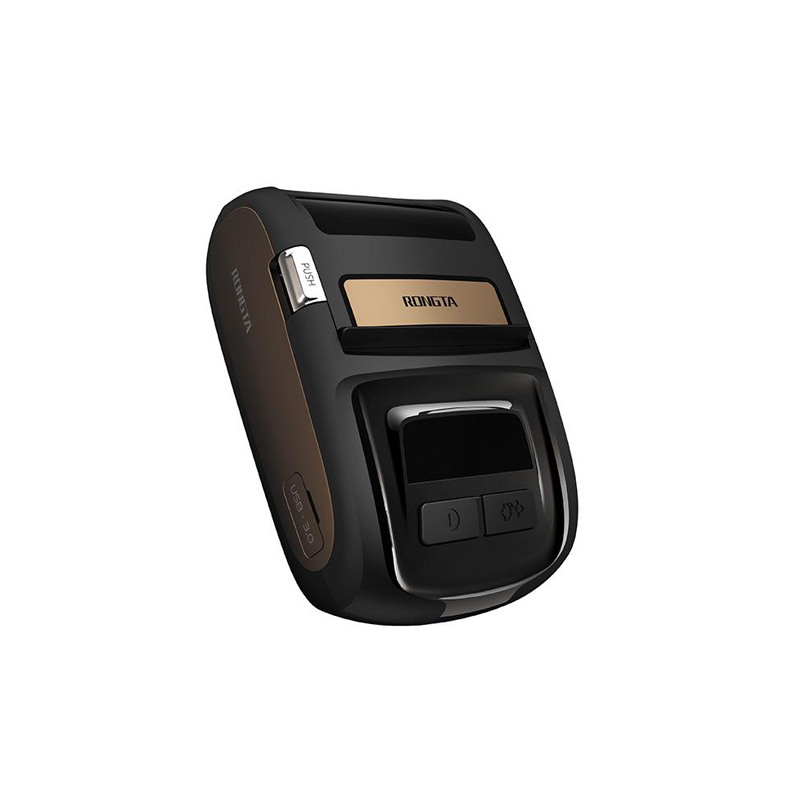 ACE M1 2" Portable Label Printer
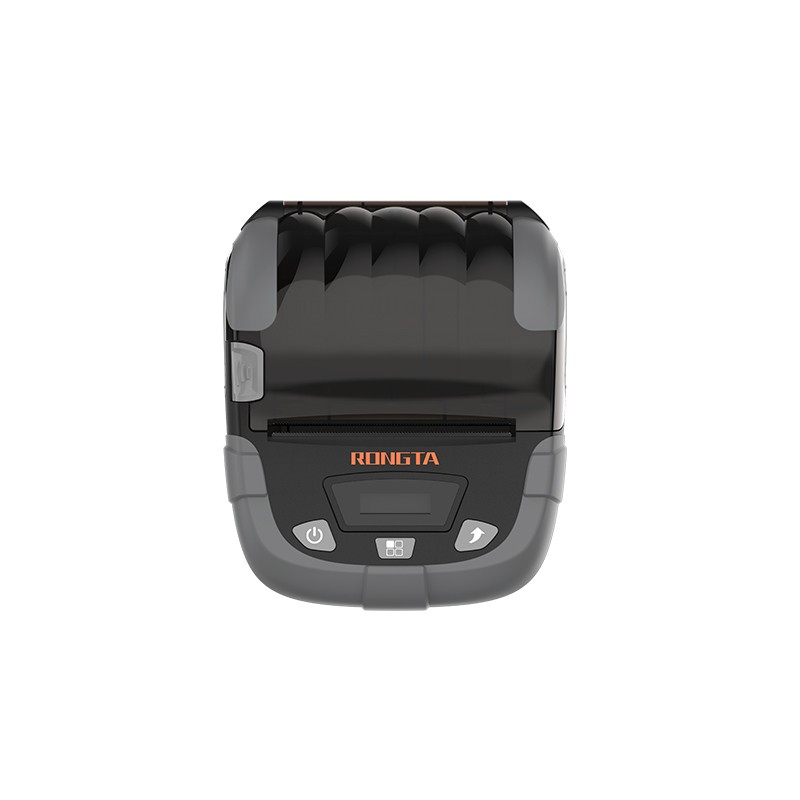 RPP320N 3" Portable Label Printer
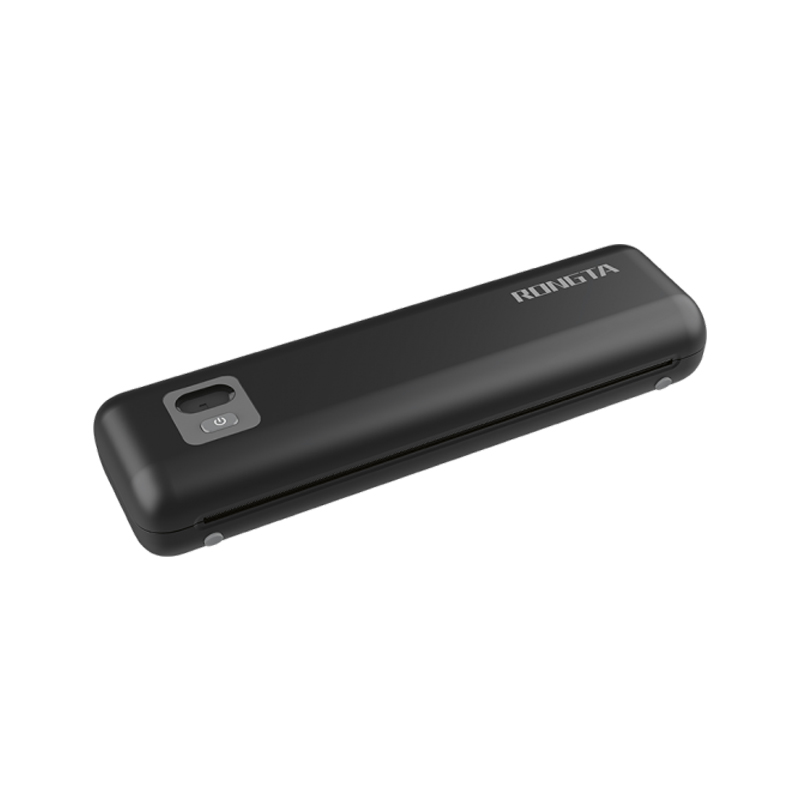 F82A A4 Front-Out Paper Tray Thermal Printer
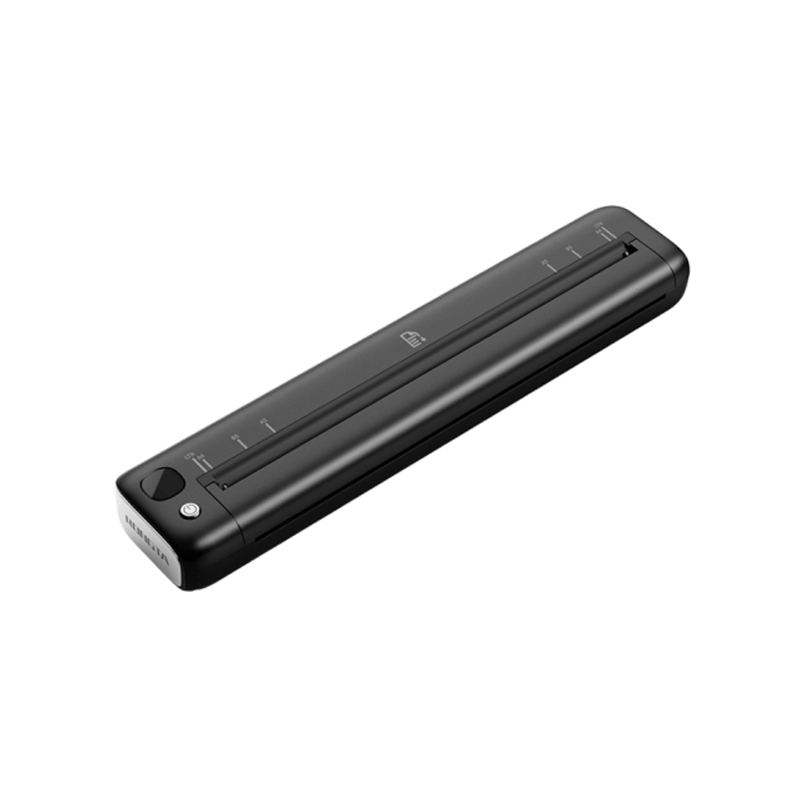 F81A Portable A4 Thermal Printer
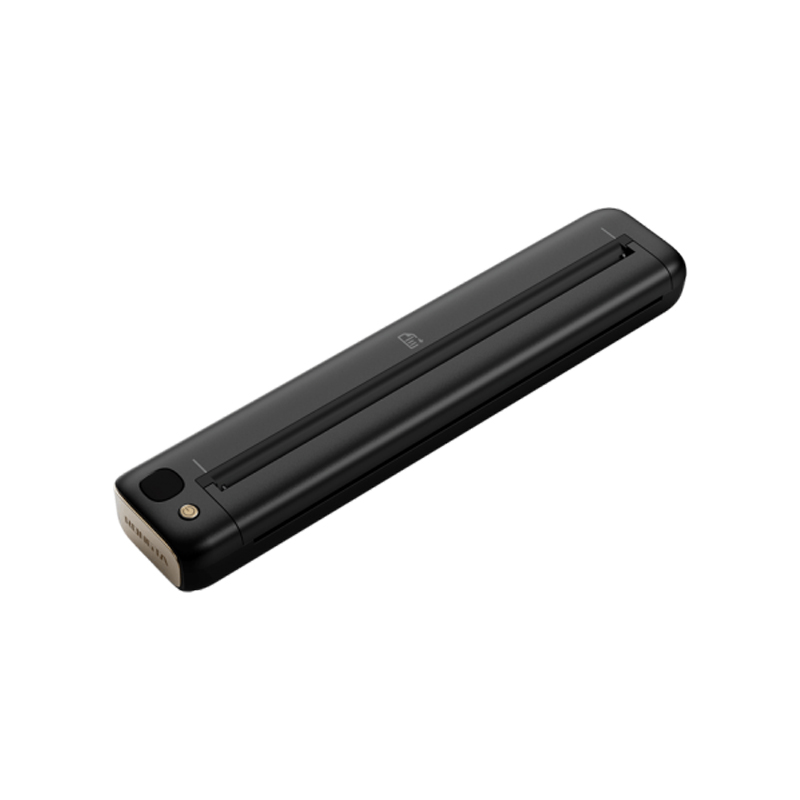 F81S Portable A4 Tattoo Printer
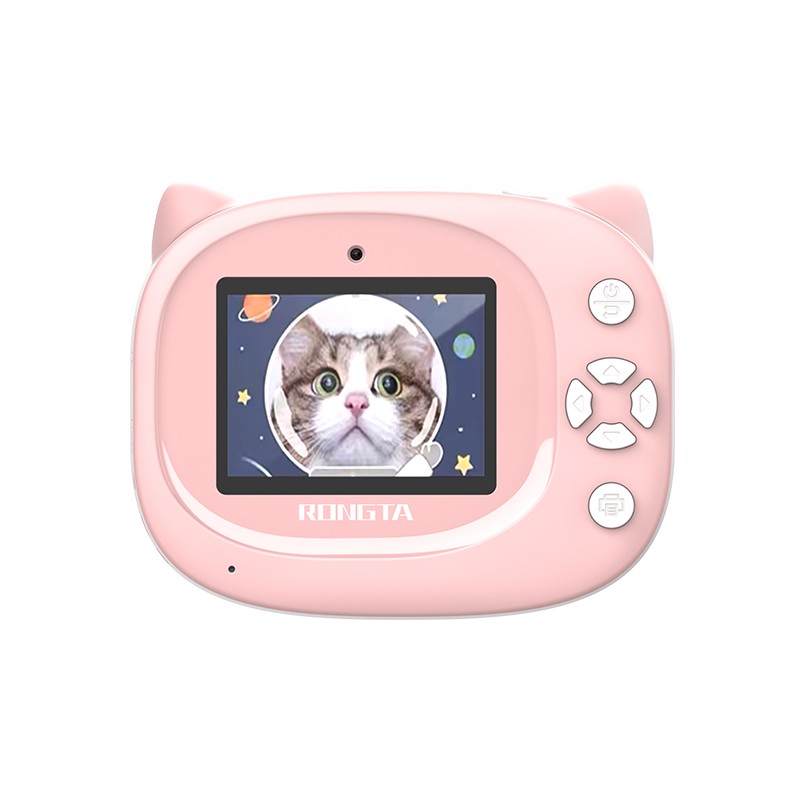 Z1 Children's Educational Photo Printer
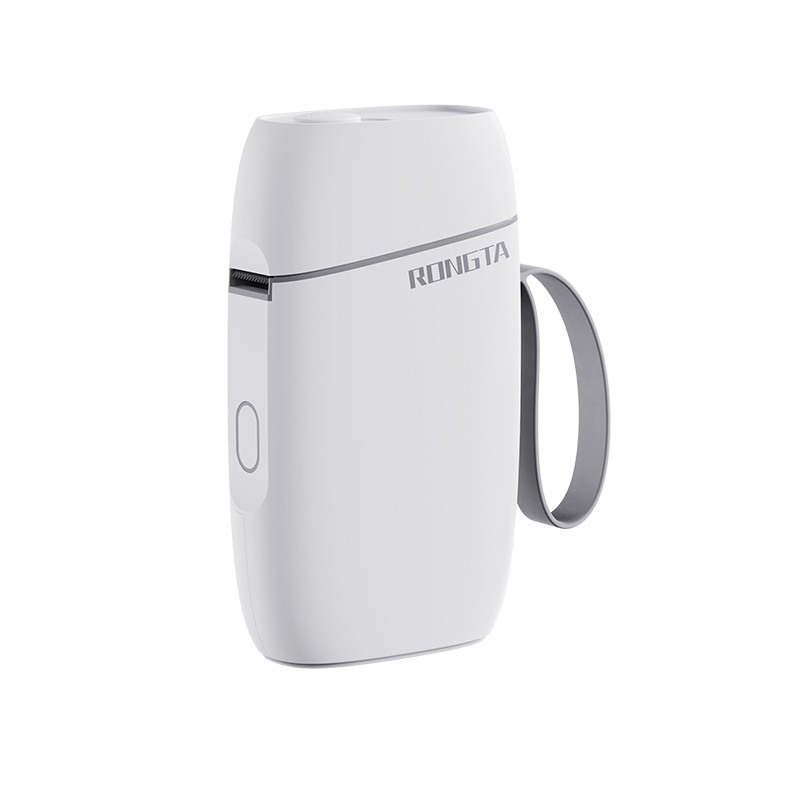 R5 Mini Label Printer
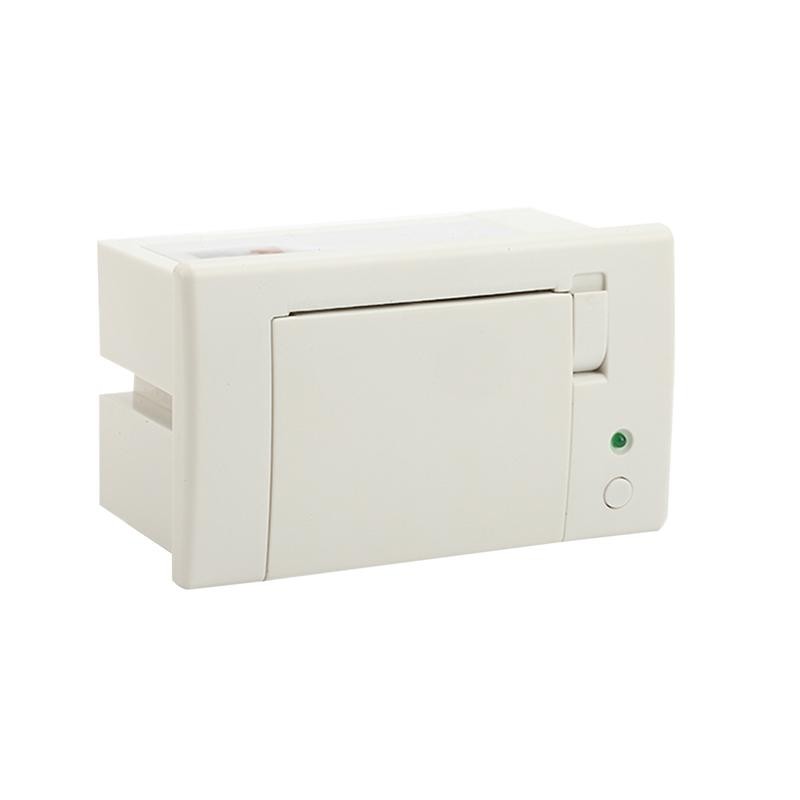 RP07 58mm Embedded Printer
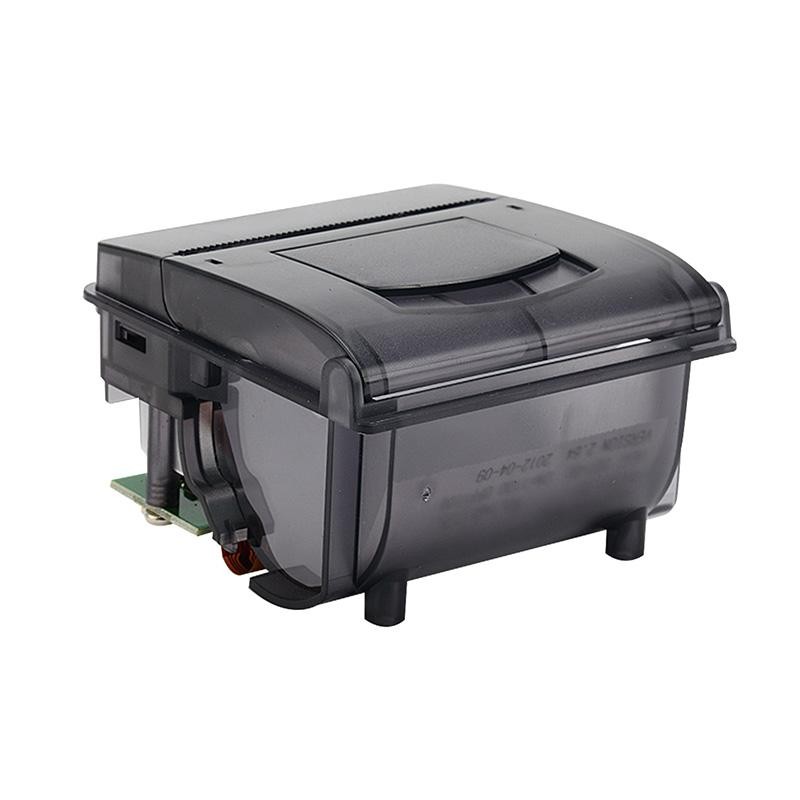 RP203 58mm Embedded Printer
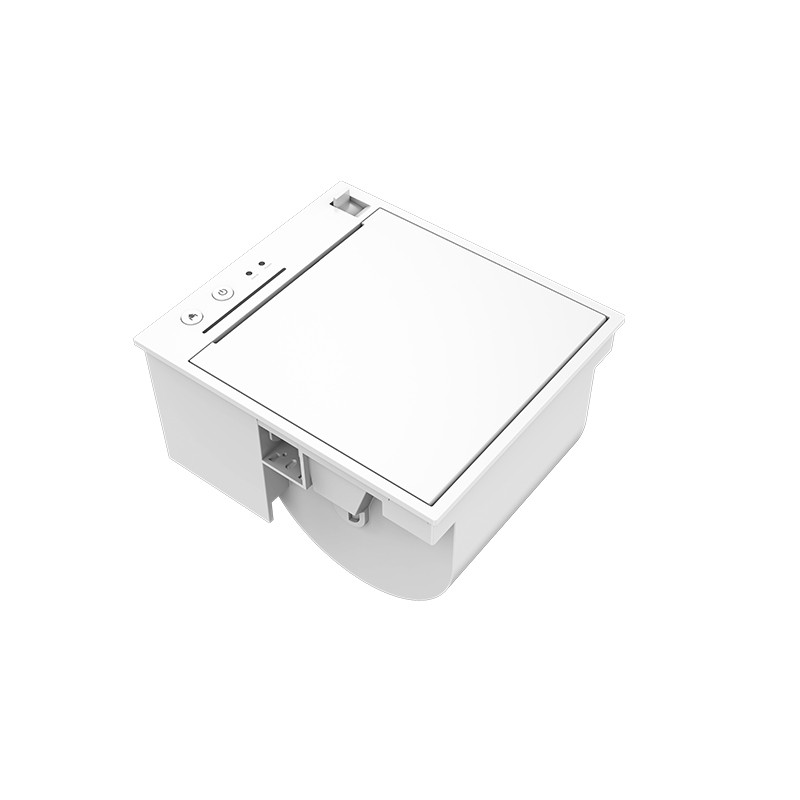 PM315 Embedded Thermal Printer
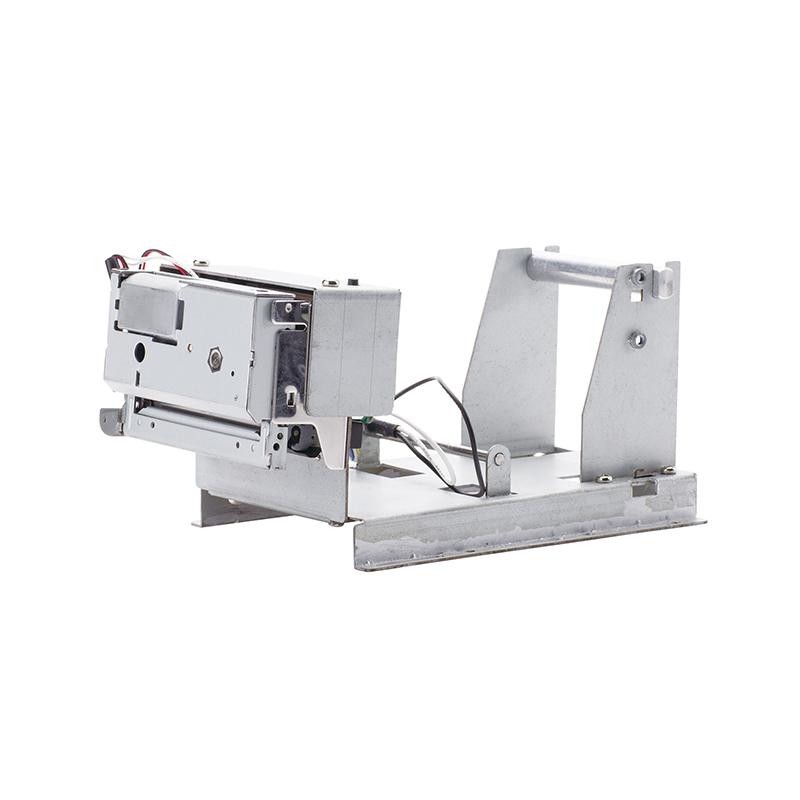 PM201 48mm Printing Module
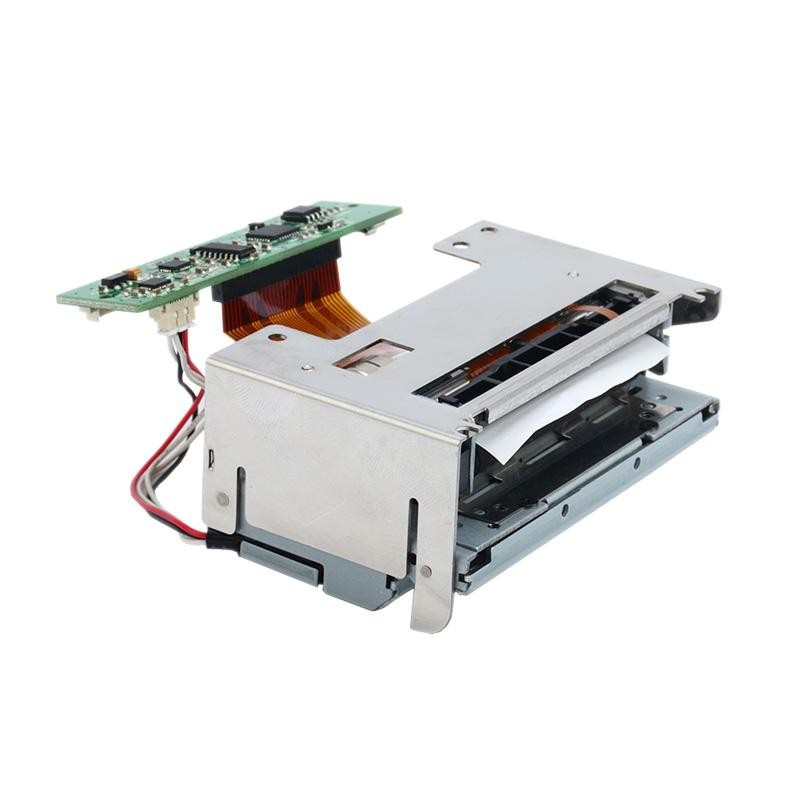 PM628 58mm printing module
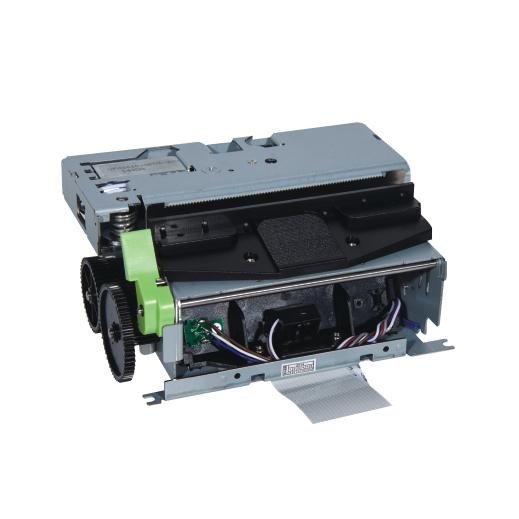 PM532A Printing Module
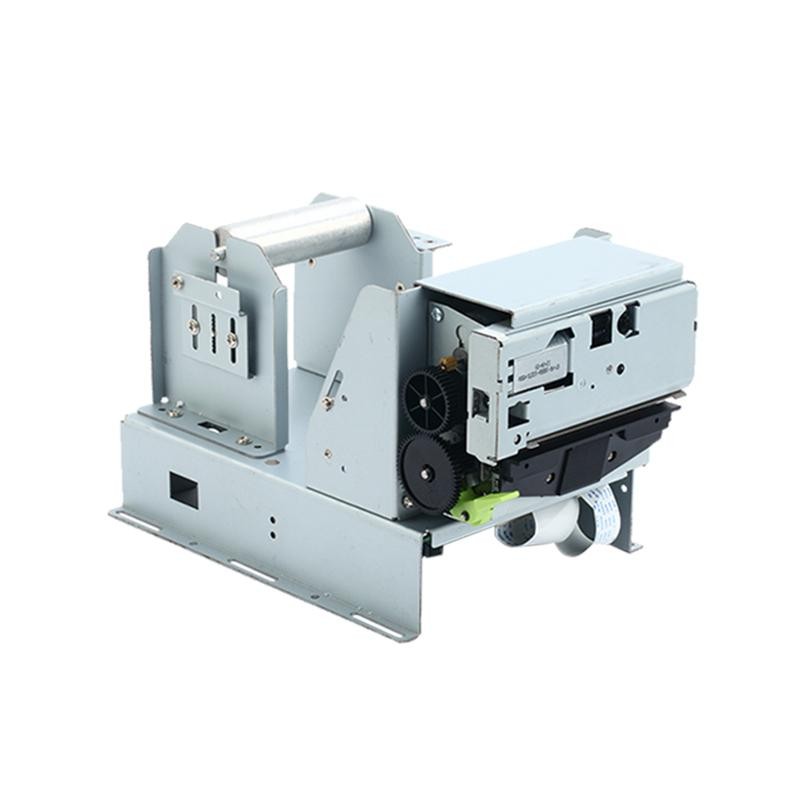 PM532B printer module
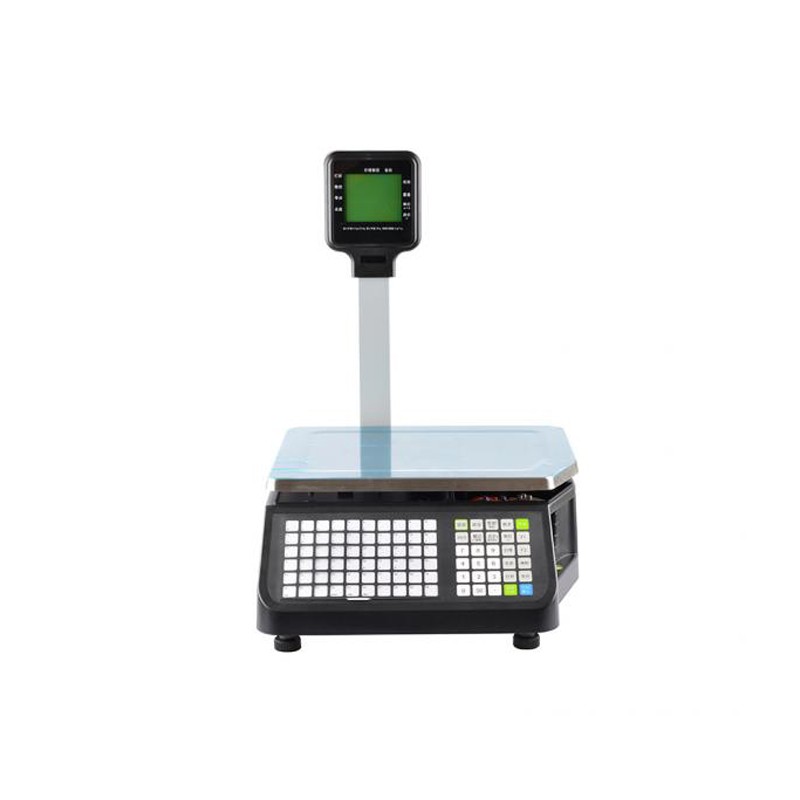 LS015/LS015A Barcode Scale
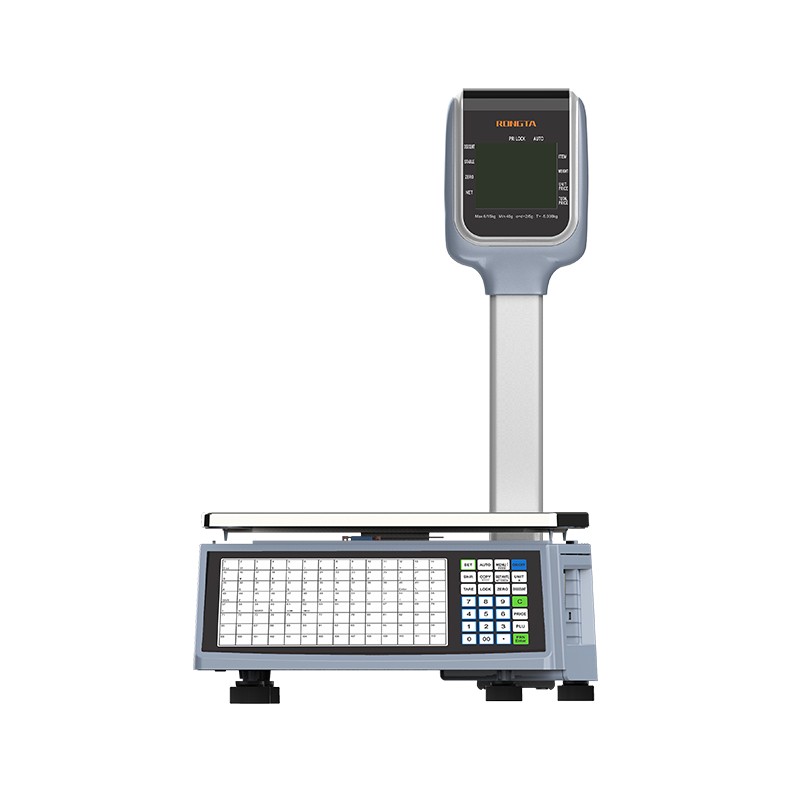 RLS1815D/RLS1830D Barcode Scale
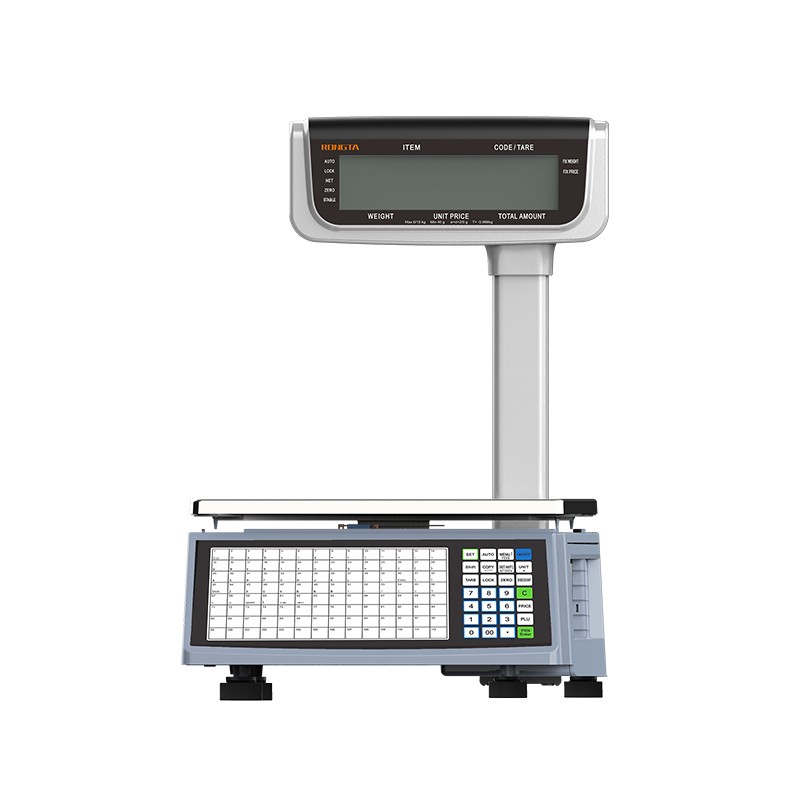 RLS1815C/RLS1830C Barcode Scale
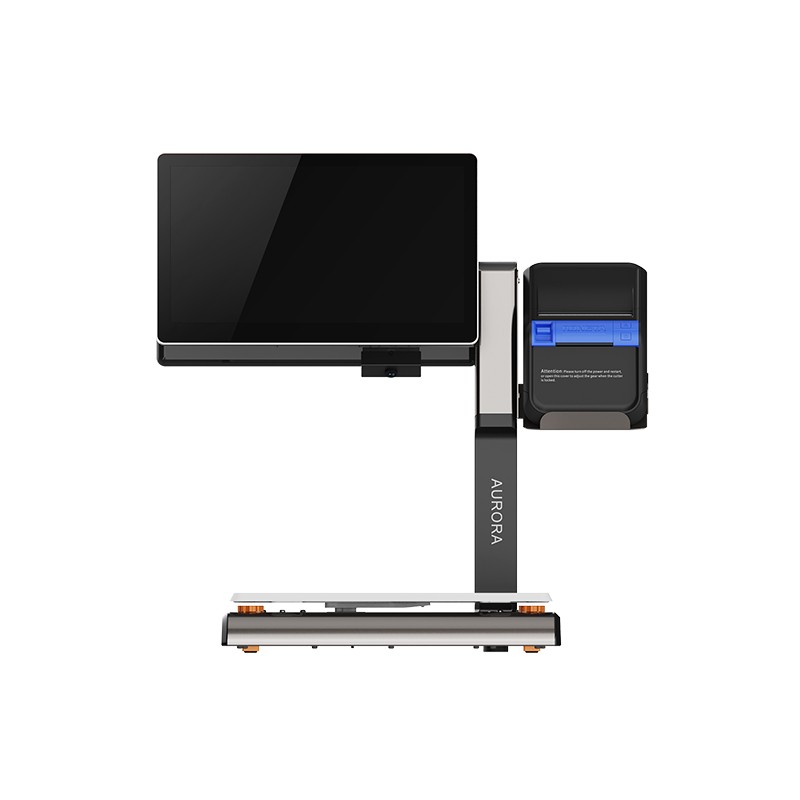 AURORA S2L-S Labelless Scale
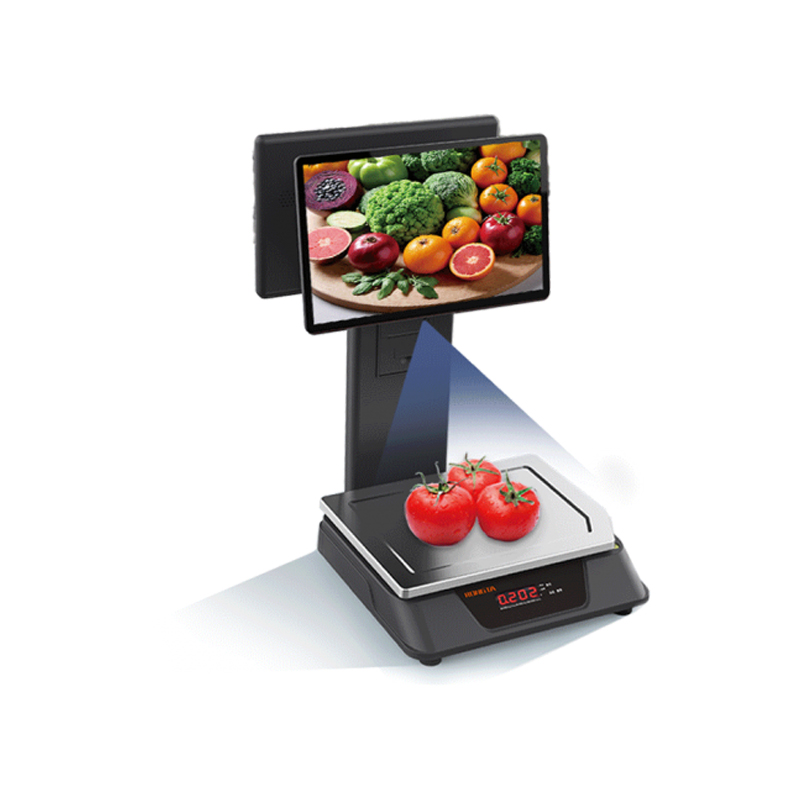 AURORA E1 PRO-AI Cash Register Scale
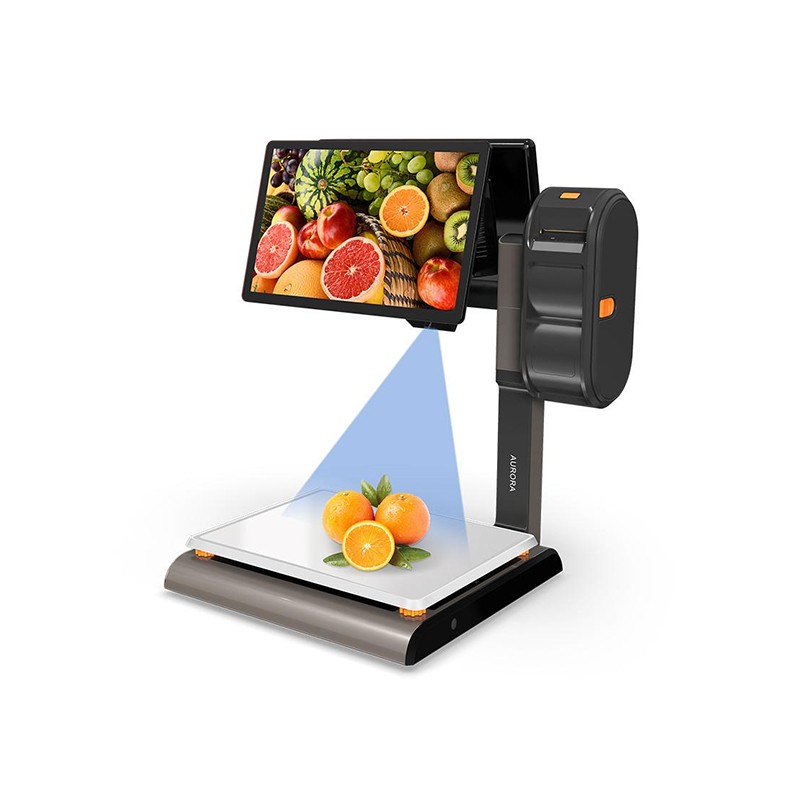 AURORA S2L-AI Label Scale
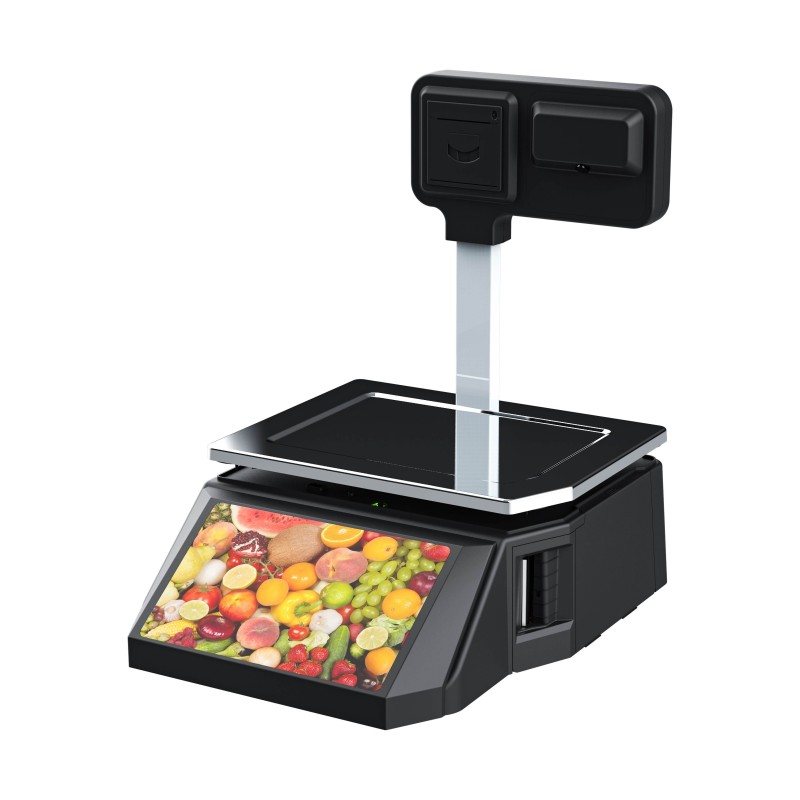 DP01-AI Smart Tag Cashier Dual-Use Scale
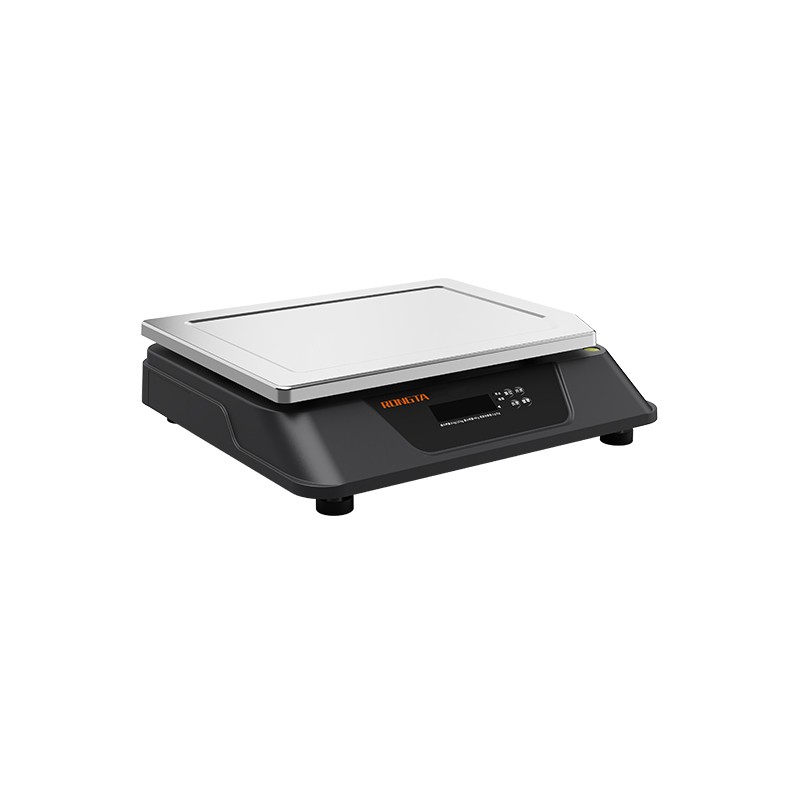 C3 Weighing Scale
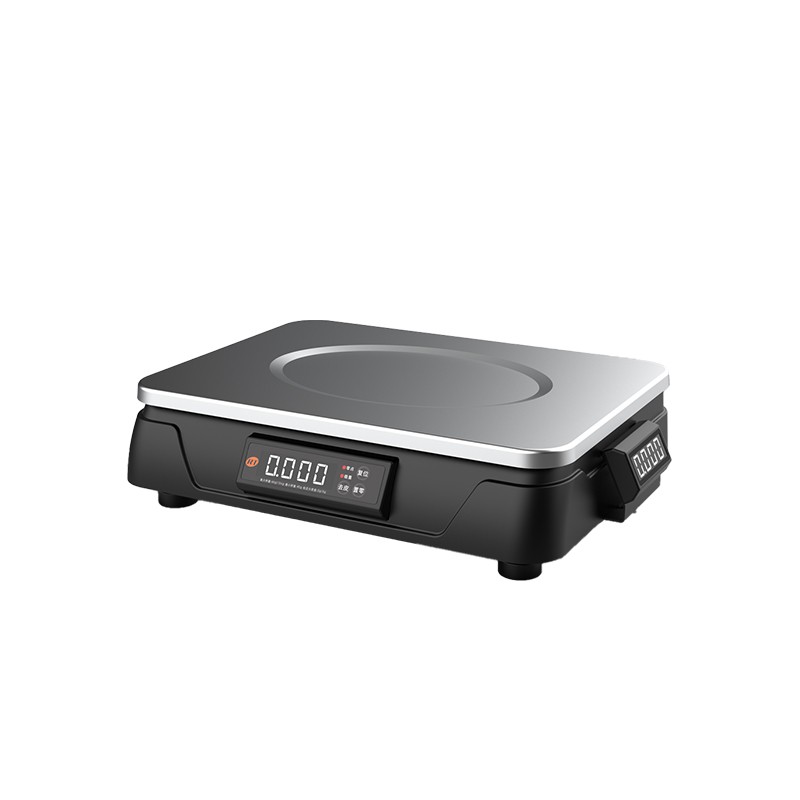 C1 weighing scale
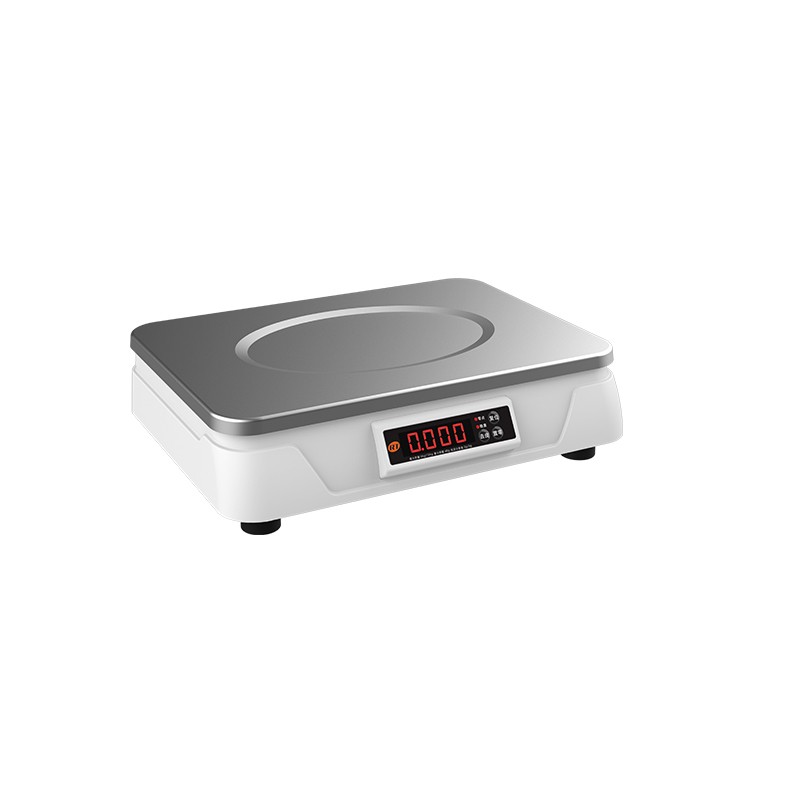 C11 Weighing Scale
 retail
 FOOD
FOOD Medical
 Mobile office/home
 asset Management
 logistics
 Driver download
 User Manual
 Tool Download
 Tag software
 Product Video
 Development Documentation
 Frequently Asked Questions
 User Guide
 Company News
 Exhibition Updates
 Industry Insights
 Product Update
 General situation
 Development history
 Honors and Qualifications
 R&D strength
 Team activities
 Social responsibility




Precautions for using 76mm dot matrix printers
The 76mm series dot matrix printer is a POS impact dot matrix receipt printer. It has stable performance, high reliability, and simple operation. Its cost performance is high, so it is widely used in shopping malls, supermarkets, hospitals, restaurants, banks, gas stations, road and bridge toll collection and other fields.Before operating the printer, please read the following instructions carefully and strictly follow them.
1、76mm dot matrix printerSecurity Warning
Warning: Do not touch the printer's cutter or tearer.
Warning: The printhead is a heat-generating component. Do not touch the printhead or surrounding components during or immediately after printing.
Warning: This product is only suitable for use in non-tropical climates.
Warning: This is a Class A product. In residential environments, this product may cause radio interference.In this situation, users may need to take practical measures to address the interference.
2、76mm dot matrix printers usePrecautions
1) The printer should be installed in a stable place, avoiding places where it is subject to vibration and impact.
2) Do not use or store the printer in places with high temperature, high humidity, or severe pollution.
3) Connect the printer's power adapter to a suitable grounded outlet. Avoid sharing the outlet with large motors or other equipment that may cause voltage fluctuations.
4) Prevent water or conductive substances (such as metal) from entering the printer. If this happens, turn off the power immediately.
5) If the printer will not be used for an extended period of time, please disconnect the power adapter from the printer.
6) Users must not disassemble the printer for repair or modification without authorization.
7) Use only the power adapter supplied with the device.
8) To ensure print quality and product lifespan, it is recommended to use high-quality printing paper and ribbon.
9) When plugging or unplugging the connection cable, please ensure that the printer power is off.
10) When plugging or unplugging the printer power cord, hold the printer power connector by the arrow (do not hold the printer power cord by the cord itself when unplugging).
?